S321 User Guide Chapter 3
Setup and Configuration Page 24 of 65
Once connected to your device. Type or copy the following IP address into your URL bar:
http://192.168.10.1/
The WebUI will prompt you for a user name and password. The default user name and password
are:
– User Name: admin
– Password:s321
WebUI Start-up
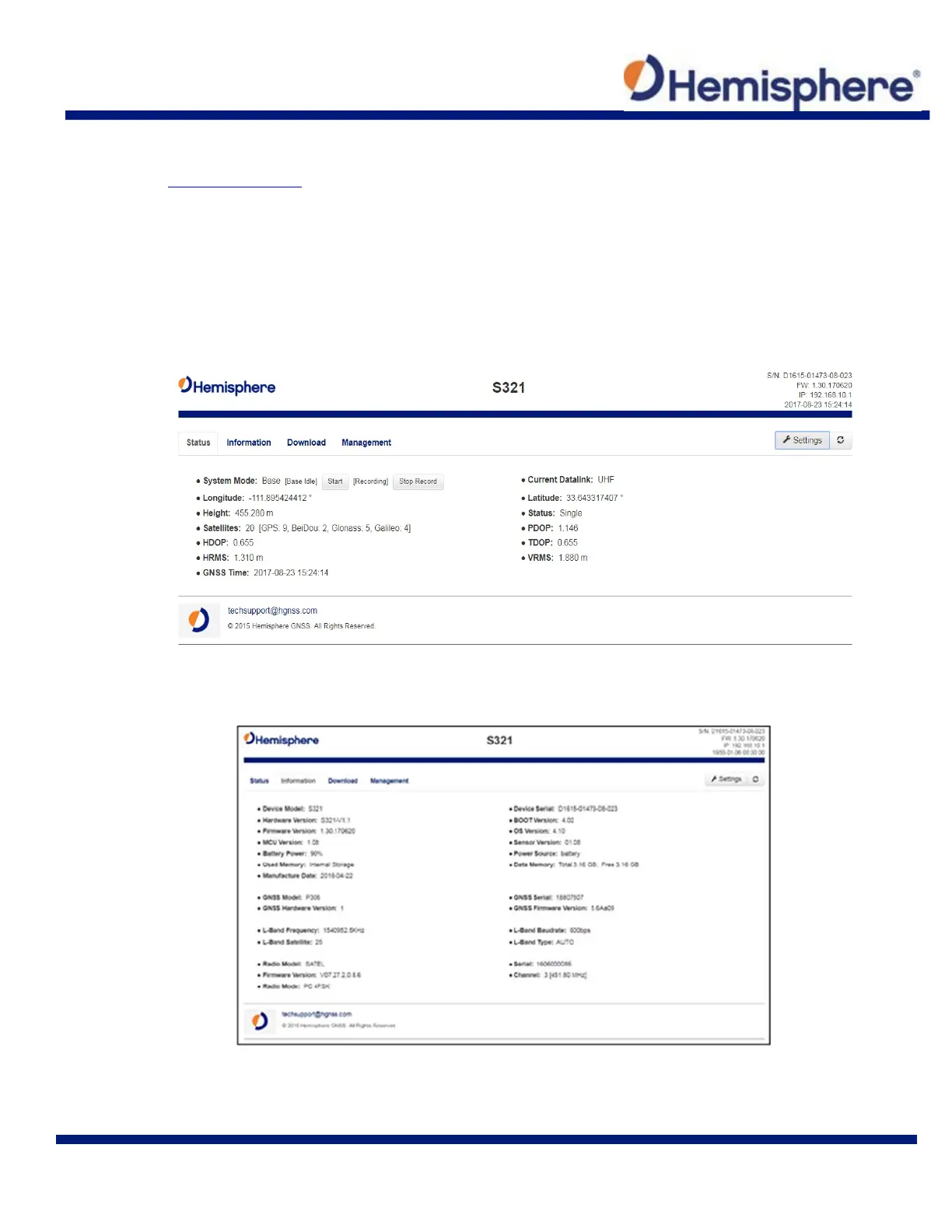
The “Status” tab, provides general GNSS information including System mode, Latitude,
Longitude, and Height.
The “Information” tab contains device and module information, in addition to current software
and firmware versions.



 To Next Page