S321 User Guide Chapter 3
Setup and Configuration Page 34 of 65
Note: The Auto Connect identifies that the receiver connects to the network when powered up.
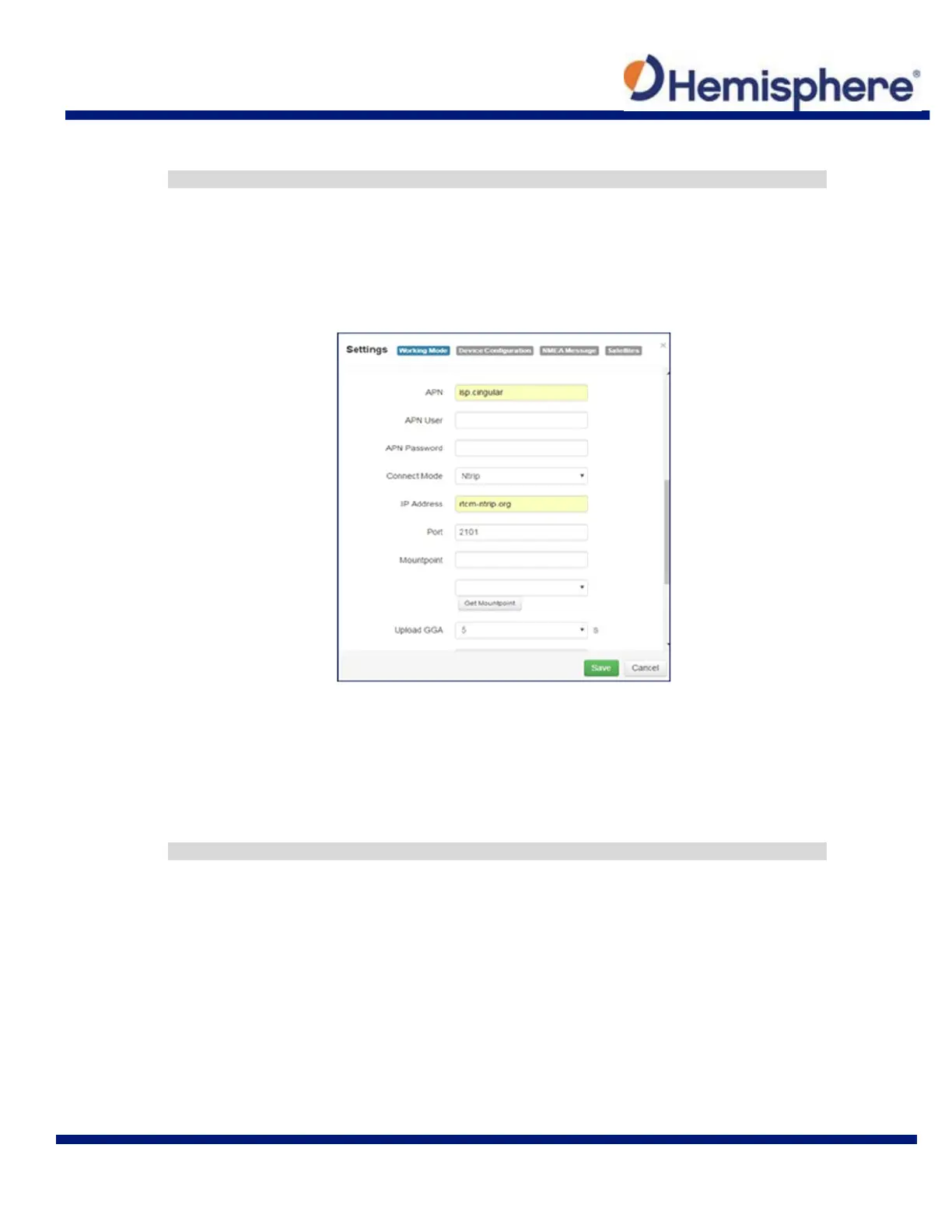
WARNING: If the S321 has not yet established an internet connection via the Internal GSM
modem, the Get Mountpoint button will not work. You can configure the APN settings while
using TCP/IP so that an internet connection is established.
After establishing an internet connection, change Connect Mode back to NTRIP and proceed
with the configuration.
TCP/IP
If running as a base station, select TCP Server and type in a Port.
The TCP Server requires that the SIM card provide a public IP address. The public IP address
can be found in the “Information” tab on the S321 WebUI.
Note: The Auto Connect identifies that the receiver connects to the network when powered up.



 To Next Page