S321 User Guide Chapter 3
Setup and Configuration Page 39 of 65
Firmware Update
WARNING: Firmware downgrades are not allowed to versions lower than v4.16 (OS), v4.03
(Bootloader), and v1.38.171114 (WebUI).
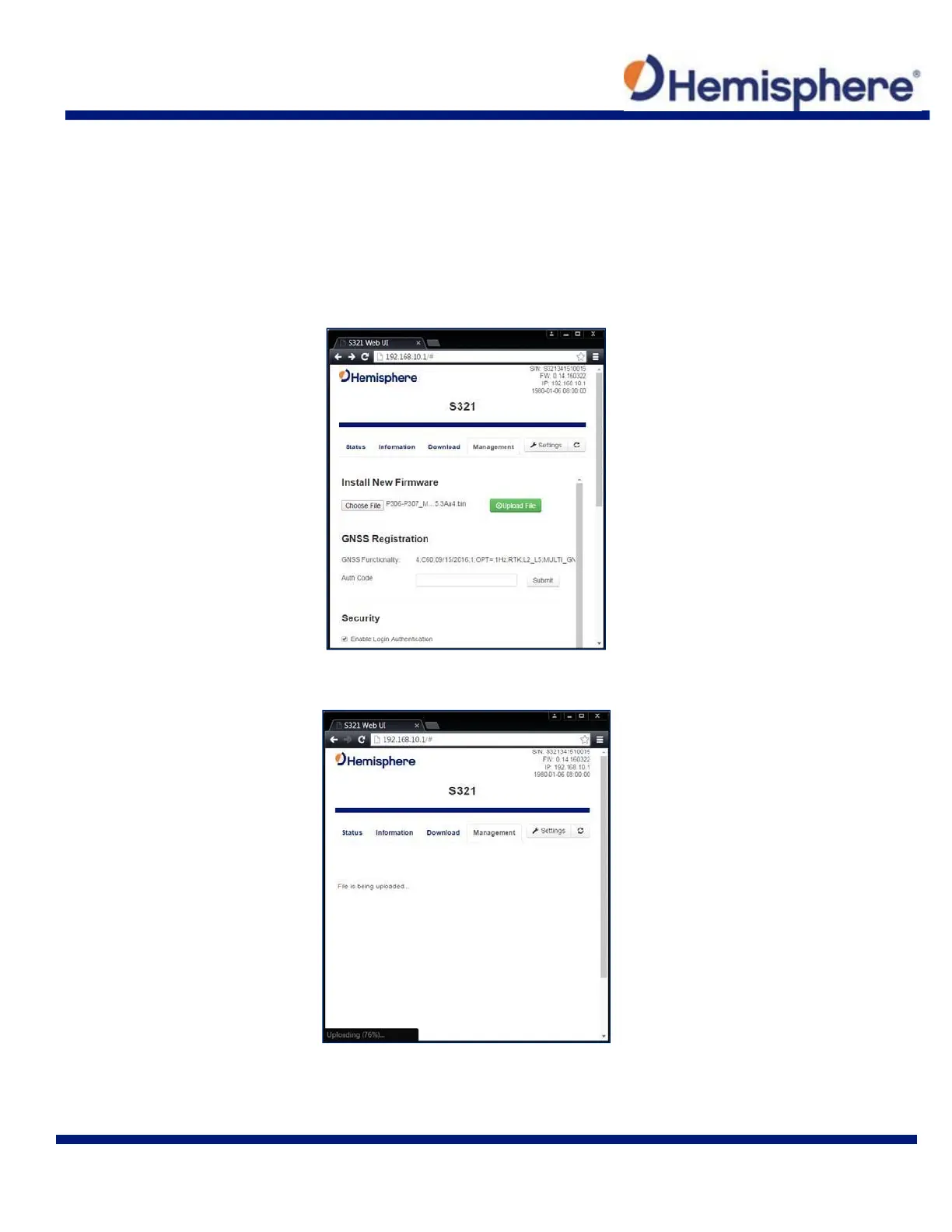
Updating Firmware via WebUI
Using the “Management” tab under the WebUI, select the “Choose File” button to find the
appropriate firmware of application software for the S321 device.
After selecting the correct firmware/software file, click the green “Upload File” button.



 To Next Page