S321 User Guide Chapter 3
Setup and Configuration Page 40 of 65
When the file is uploaded, be sure to check the current firmware version versus the new firmware
version. When you have ensured the correct files are in place, click “OK” button.
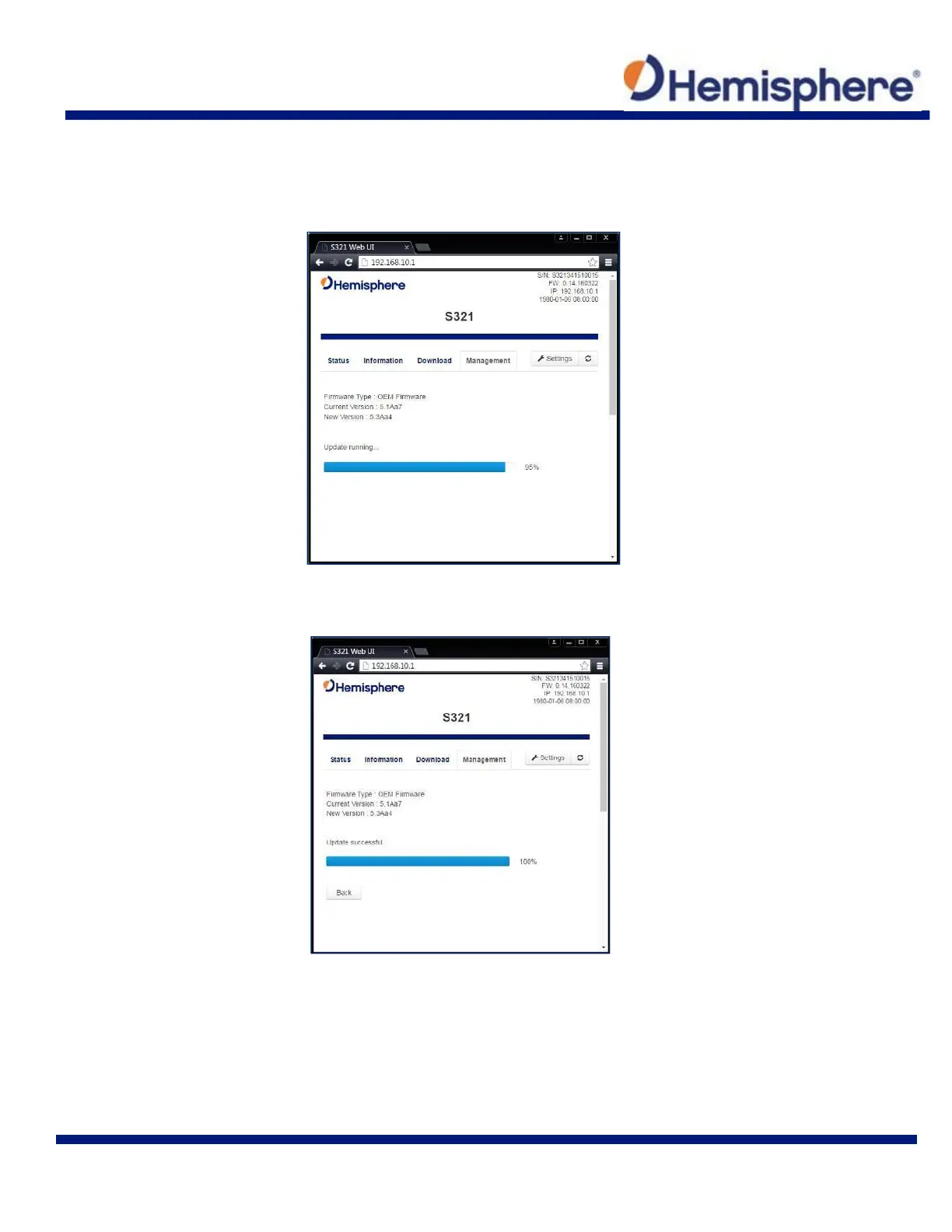
A status bar will indicate the level of progress for the updating firmware/software.
When the status bar reaches 100%, the upgrade is complete. The WebUI will indicate “Update
successful”.



 To Next Page