S321 User Guide Chapter 2-Installation Page 12 of 65
Connecting to an External Device
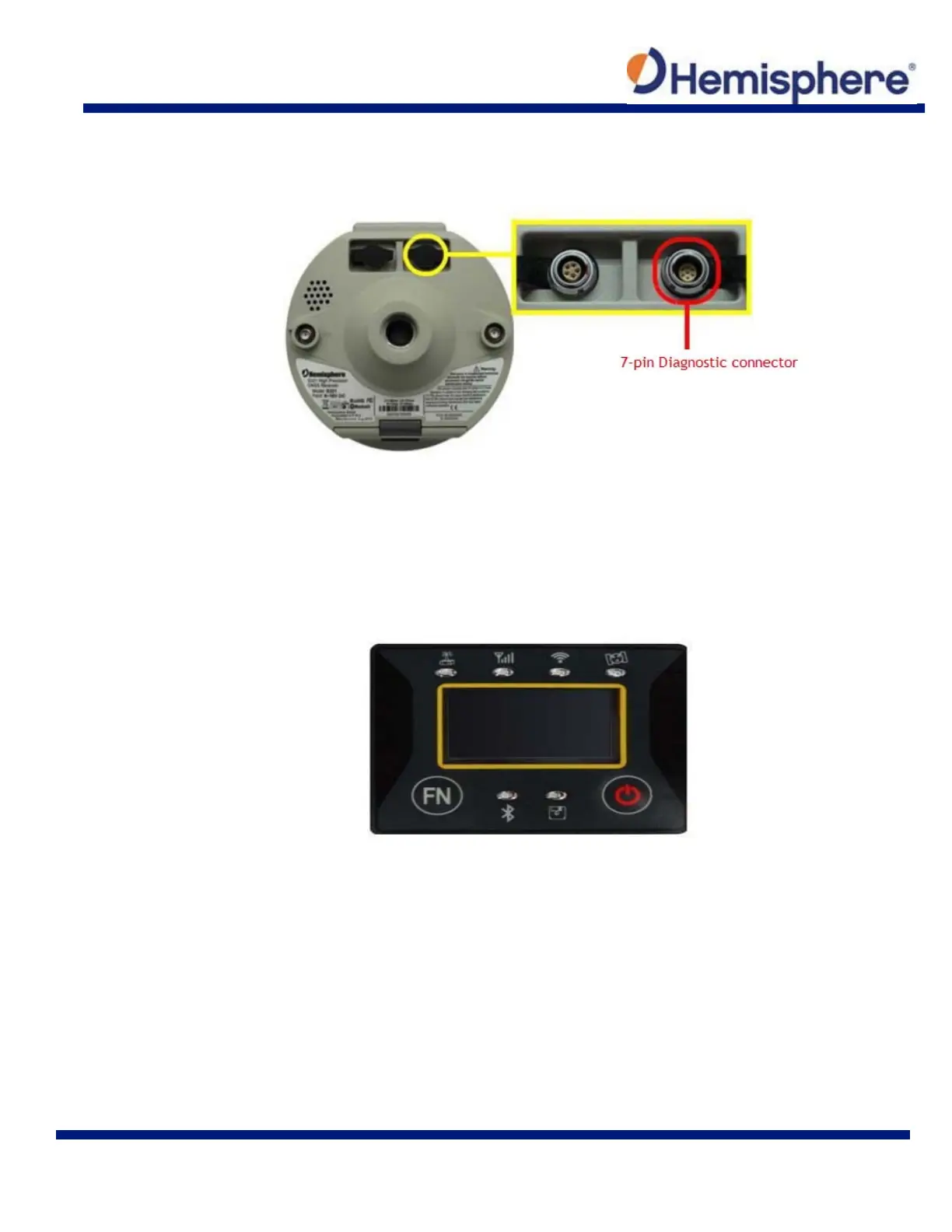
The 7‐pin connector is available for troubleshooting, debugging, and USB log downloads.
Figure 2-8: External device connector
Using the Device “FN” and “I” Keys
The on‐device menu can be navigated by using the on‐device keys. The FN key allows you to
scroll through each item on the device menu display. The I key acts as an enter key for selecting
to required menu option. The I key also acts as a power key when the menu option of “power” is
selected. (See Powering the S321 On/Off below).
Figure 2-9: S321 on-device menu



 To Next Page