S321 User Guide Chapter 2-Installation Page 14 of 65
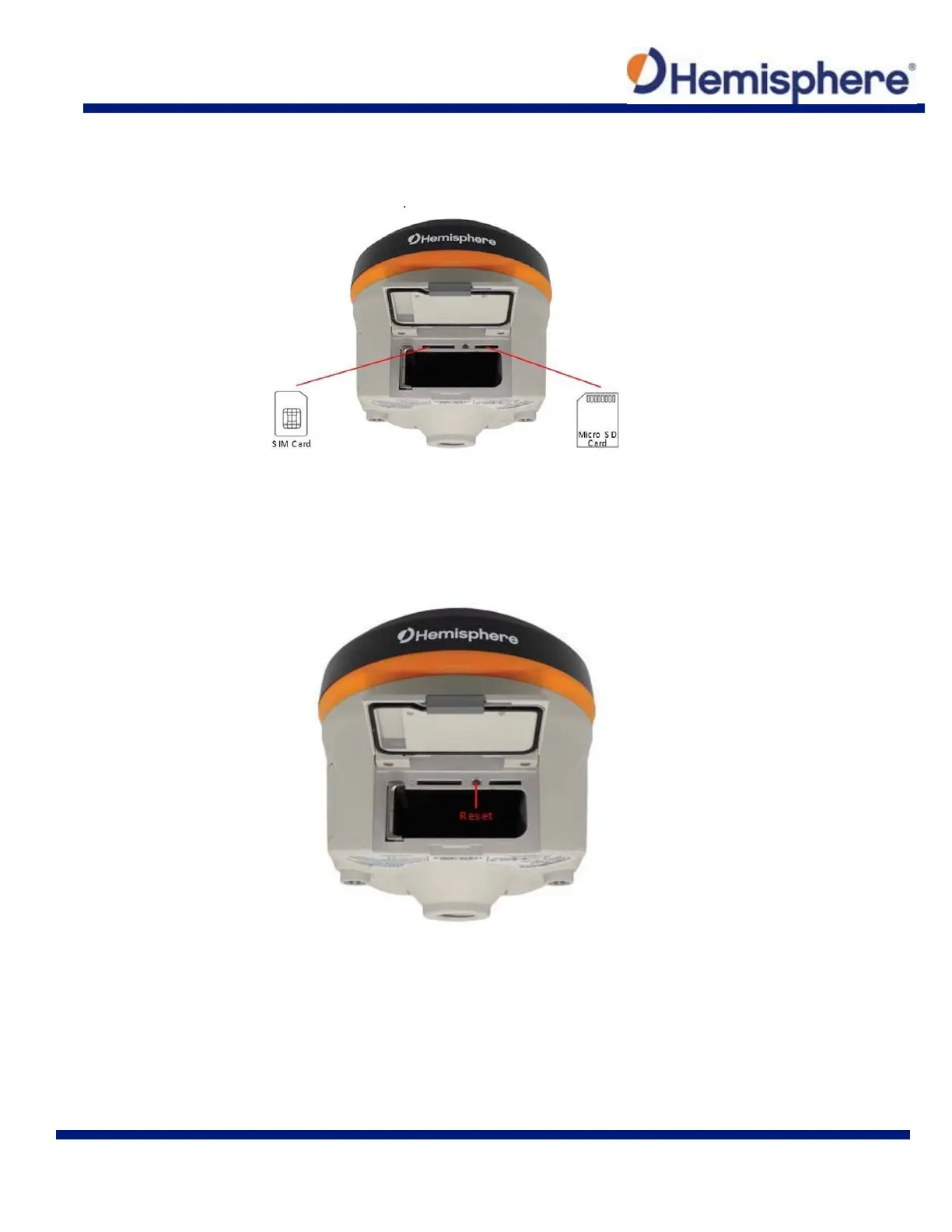
To insert the MicroSD card or SIM card:
1. Place the card in its appropriate card slot
2. Gently push the card in until it clicks
3. Close and secure the battery door
Figure 2-10: SIM /MicroSD card slot
Resetting the S321
To reset the S321, lift the battery door and locate the “Reset” button between the SIM card and
MicroSD card slots. The reset button will turn the unit off and automatically restart the unit.
Figure 2-11: S321 Reset button



 To Next Page