S321 User Guide Chapter 3
Setup and Configuration Page 26 of 65
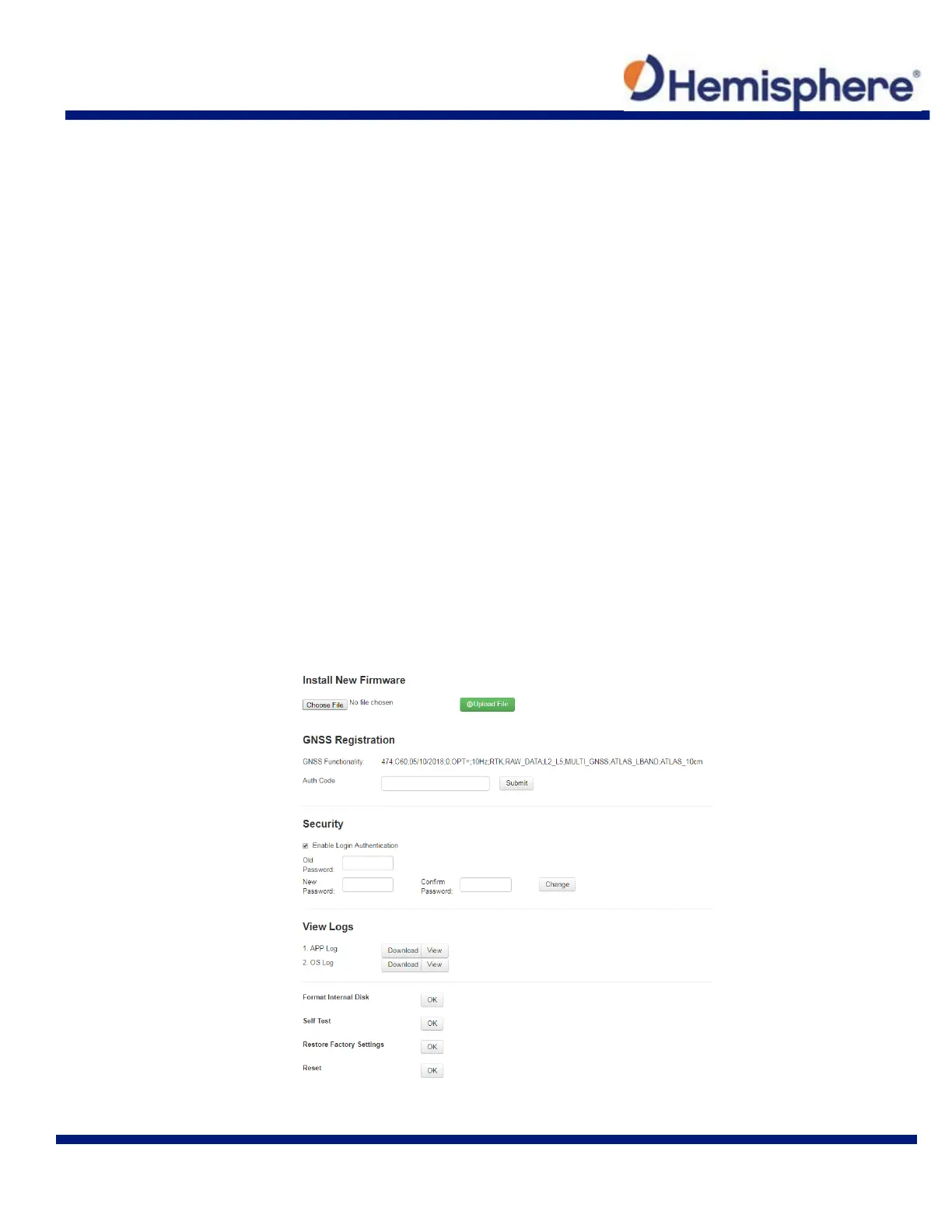
Install New Firmware
This feature allows you to update the menu application software. Once the correct software is
selected under the Choose File browser, the Upload File button initiates the update procedure
and re-starts the S321 device.
WARNING: Firmware downgrades are not allowed to versions lower than v4.16 (OS), v4.03
(Bootloader), and v1.38.171114 (WebUI).
GNSS Registration
This displays the expiration date of different features which have been subscribed to the S321.
The Atlas expiration date will be displayed under this field. In addition, the ability to update the
S321 with new subscriptions is available under the “AuthCode” field. Type the new Atlas code
and the device will automatically update.
Security
The Security field allows the user to enable or disable login requirements. The user can reset or
customize a new password for their device. By filling in the required fields to change the
password, Old Password, New Password and Confirm Password.
View Log
The View Logs field allows you to track any activity at the application and OS level. (This is
important when troubleshooting any issues.)
Formatting/Self Test/Reset



 To Next Page