S321 User Guide Chapter 3
Setup and Configuration Page 31 of 65
Internal UHF
Your S321 comes without a channel table loaded. Only Hemisphere GNSS or a Hemisphere
GNSS certified dealer can create the file to upload a channel table.
A channel table can be created through the WebUI by a certified Hemisphere GNSS dealer by
clicking on Advanced UHF Settings and typing a password.
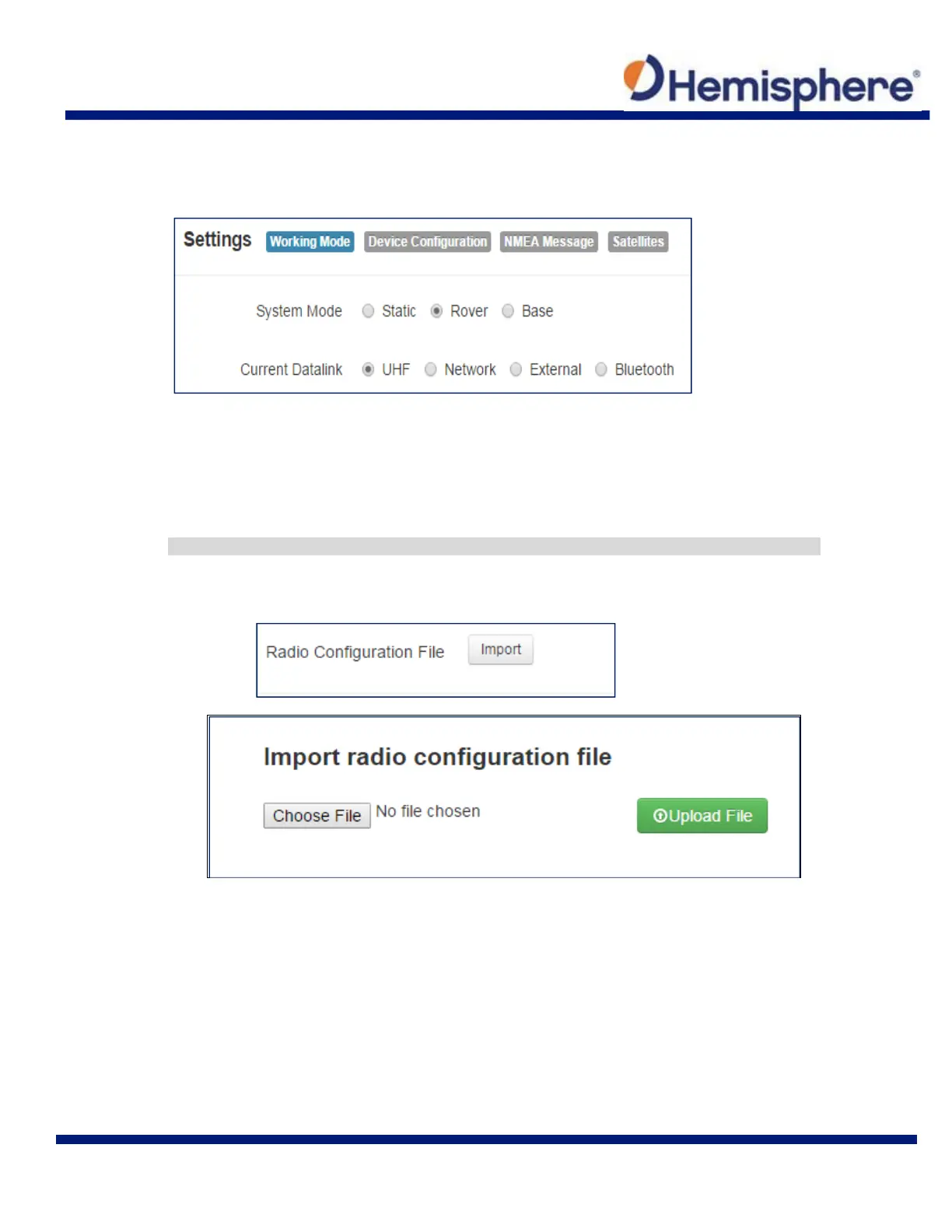
You can also upload by clicking Import next to Radio Configuration File and uploading a
channel table file (.ucf) provided by your dealer.
Note: The radio frequency should match the transmitting base. The following dialogue appears:



 To Next Page