S321 User Guide Chapter 3
Setup and Configuration Page 52 of 65
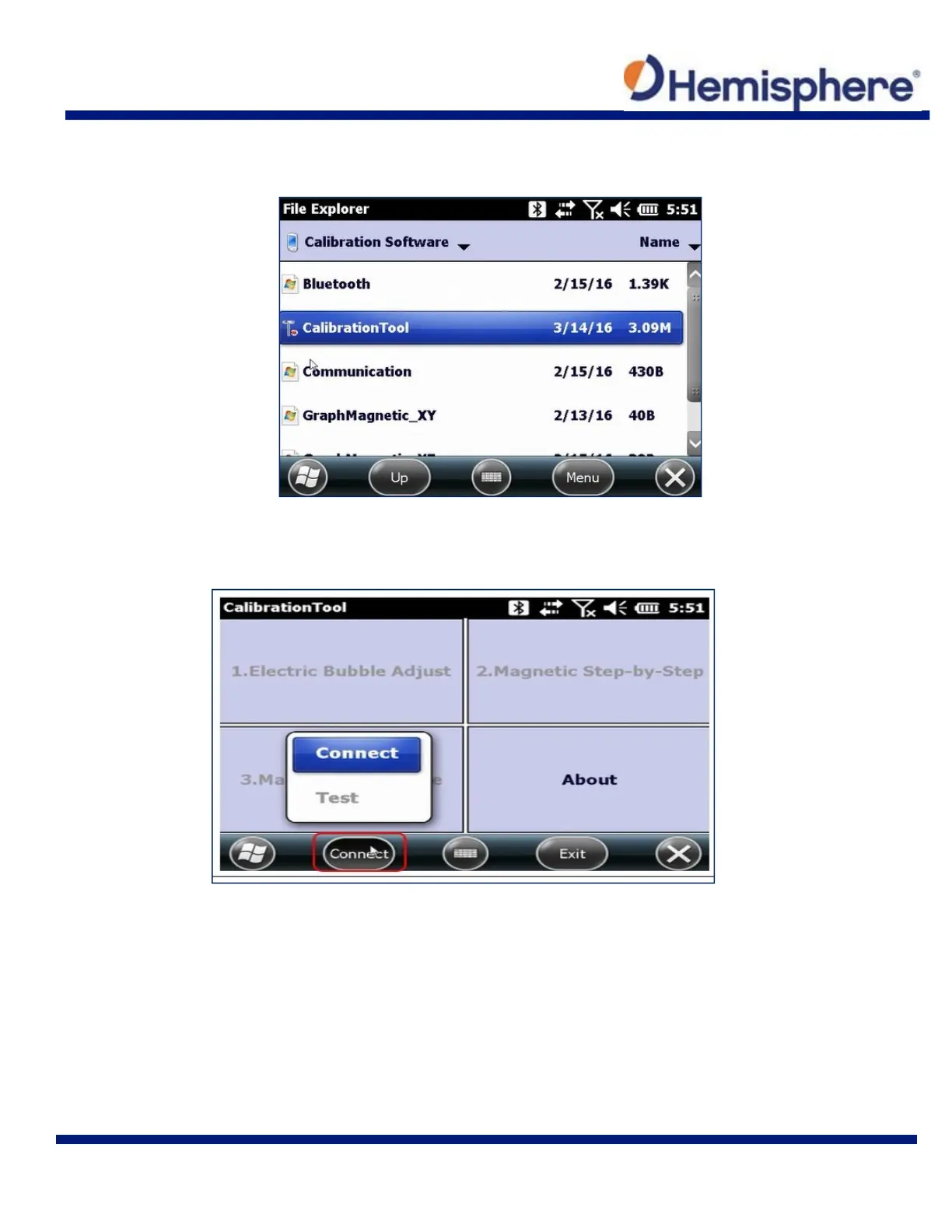
Locate the CalibrationTool from your list of Calibration Software. Tap the CalibrationTool to
open the program.
When the CalibrationTool launches, you will be required to tap the Connect button located at
the bottom of the screen. Select “Connect” from the drop‐down list.
Set the Connect Mode to “Bluetooth”. Next, tap the Search for Bluetooth device button. When
you locate your S321, press Connect, and the calibration will be ready to start.



 To Next Page