S321 User Guide Chapter 3
Setup and Configuration Page 59 of 65
IMPORTANT: When setting the NTRIP connection from SurvCE in the Receiver tab, set the
position refresh rate to 1HZ. Setting it to 5Hz has negative effects on a later use of the
CalibrationTool.
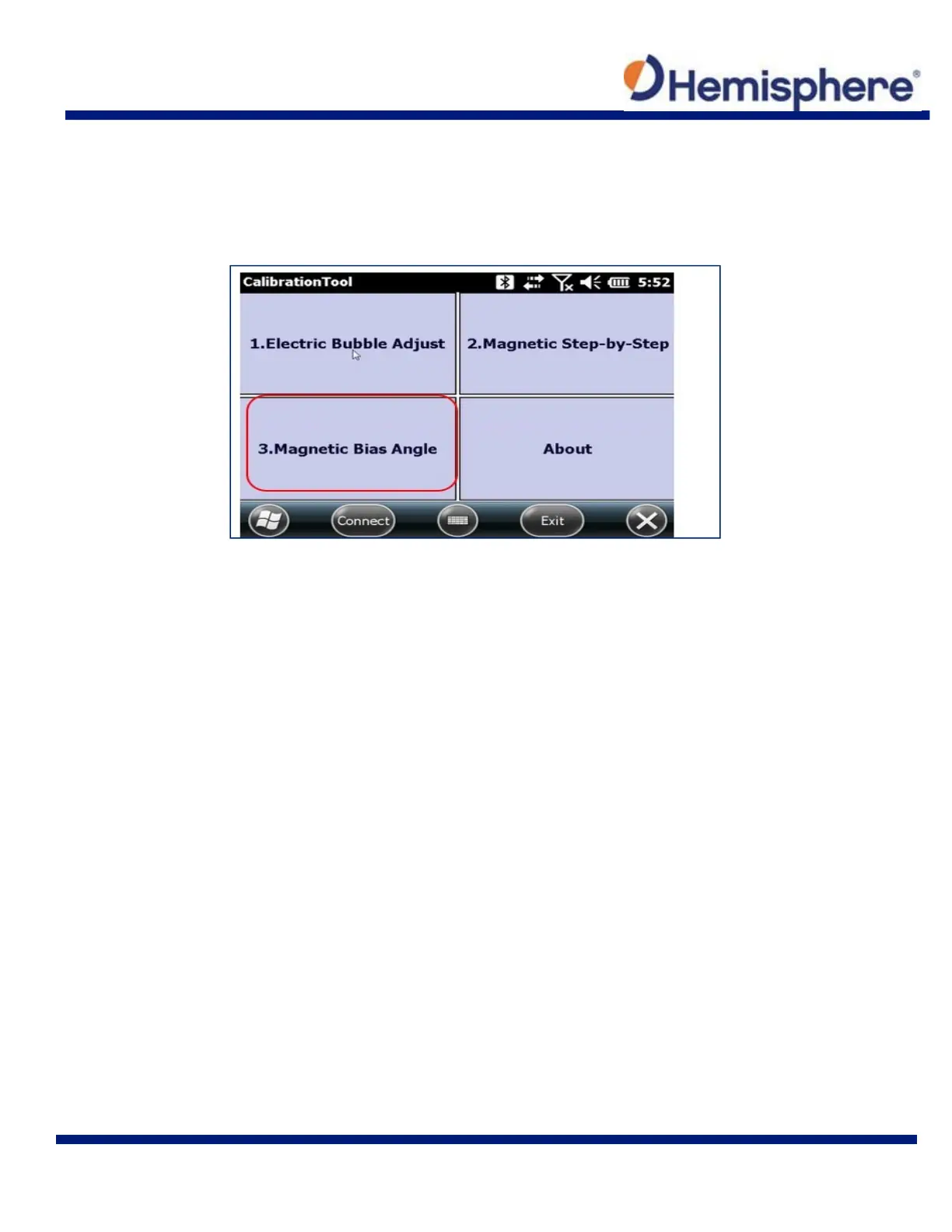
If you are sure the S321 is FIXED, tap the 3. Magnetic Bias Angle button.
Even though the S321 is in Fixed mode and receiving corrections, the receiver status is not
displayed in this version of the tool. The first part of the Magnetic Bias Angle calibration is
recording a center point. Hold the device as stable and upright as possible. Tap the Center Point
button. The center point will record 10 points.



 To Next Page