37
2
Description
2.3
User Interface, Screen
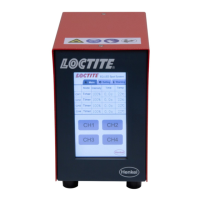
The controller is equipped with a resistive single-touch screen.
The operation is via a light, single touch of the screen with your finger tip, bare or wearing
gloves, or other non-sharp objects (e. g. a ballpoint pen with retracted ballpoint).
Caution!
Multi-touch gestures, or too rapid entering and typing lead to incorrect entries.
A contact is indicated by a short beep and by a visible change of the icon view.
Grayscale Setting
Depending on the operating mode, the non-defining informative values on the main screen
(quantity and/or dispensing time) are shown in light gray.
Possibly the contrast needs to be adjusted to the environmental conditions of the device.
Therefore, in the menu for device settings there are two touch fields to set the contrast ratio.
The contrast should be adjusted so that the contents of the screen are clearly legible, and the
column in the space between the symbols is shown in light gray.
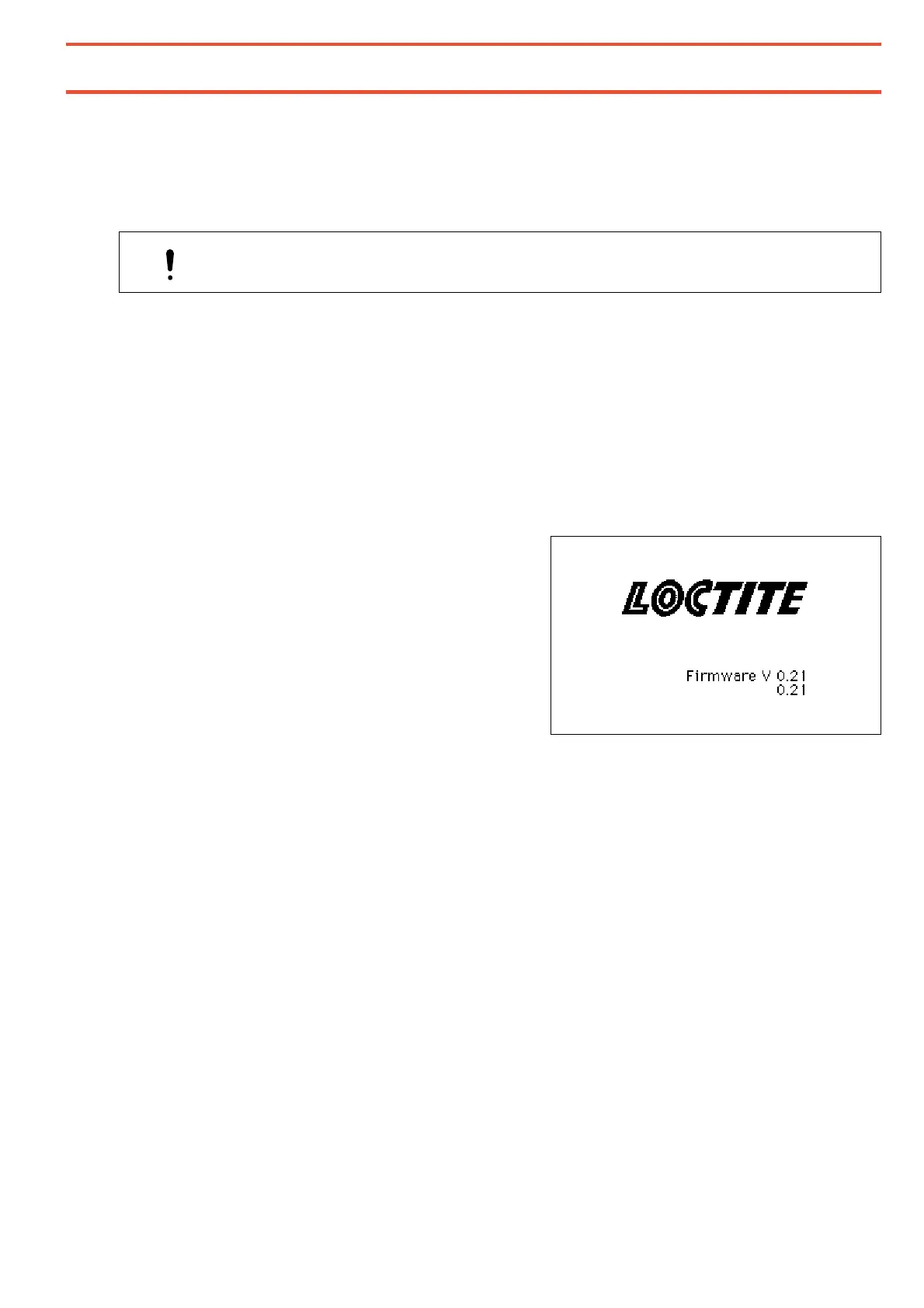
Start Screen
The start screen with the display of the
firmware versions appears for approximately
3 seconds when the device is switched on.


 To Next Page