46
2
Description
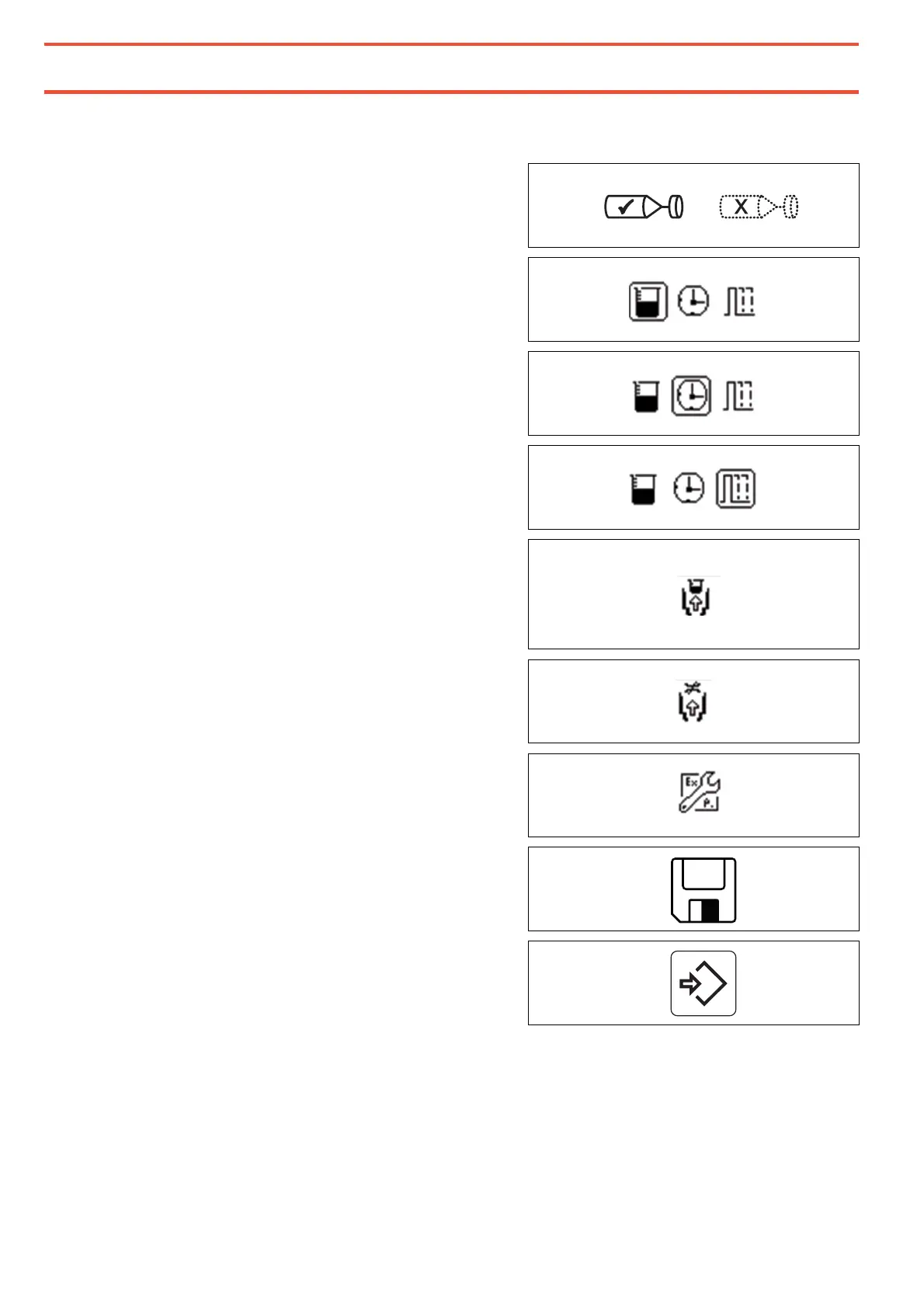
These symbols and the associated adjustment options appear when key 5 Extended Settings is
pressed.
Rotor spray activated – rotor spray not
activated.
Fixed quantity operating mode is selected
(Quantity program).
Fixed dosing time operating mode is selected
(time program).
External time control operating mode is
selected.
("Start/stop" or "continuous operation")
Suck-back volume.
The set quantity of the product is sucked back
after dosing. Suck-back should only be used if
really necessary as it increases process time
Flow rate for the suck-back after dosing.
Continue to the screen for the device settings.
Save all parameters and settings.
Accept the set data and return to the main
screen.
The settings can be saved so that they are stored permanently, or just temporarily set. They
should be permanently saved only if currently no further changes to the dispensing parameters
have to be made. For a step-by-step approach to the dosed quantity, the values should only be
adjusted and the screen for extended settings exited with key 13 ENTER.


 To Next Page