User manual for single-phase meter
8
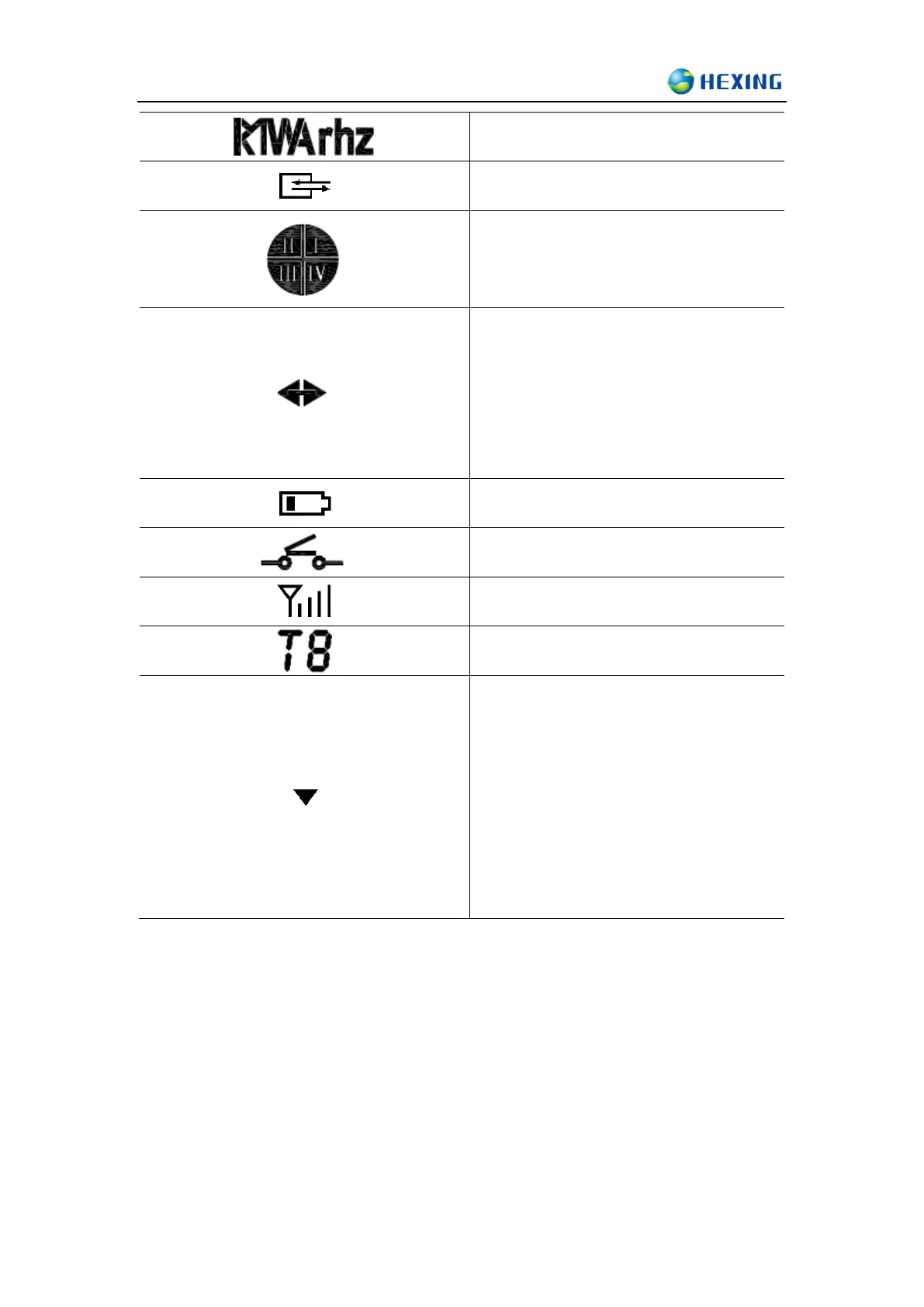
Unit
The meter is in communication
Four-quadrant indicator
Indicate the direction of the power
1) Right arrow: Import
2) Left arrow: Export
3) Not displayed or displayed as input
power: grid power on but no import
4) No display: when voltage indicator has no
display
Battery status
Relay connection/disconnection
Strength of signal status
Tariff indicator
Event status indicator
S1 Manual mode display 1
S2 Magnetic disturbance
S3 Meter cover open
S4 Terminal cover open
S5 Overload
S6 Open cover switch
S7 Module cover open
S8 Bypass
6.3 Display mode
This meter is design with three display modes:
Auto mode display
Meter default display mode is auto-scrolling display, the default auto scrolling time cycle is 10
seconds. The time in each cycle is configurable between (1s-60s) time interval; it will switch to the



 To Next Page