Controls
Page 26
heyer_LUVAR_UserManual_EN-3_CRev-1
Removing the SD card
Only remove the card with the device switched off or in standby mode to avoid
corrupt data on the SD card.
1. Remove the SD card cover on the left side of the device.
2. Press the SD card momentarily, until you hear a soft click from the slot lock.
The SD card then slightly protrudes from the slot.
3. Remove the SD card.
4. Replace the SD card cover.
Controls
Individual menus are navigated and relevant parameters selected using the
touch-sensitive display or alternatively the rotary knob.
Note: If the controls are not used for 30 seconds, the screen changes to the home
screen or, if therapy is in progress, to the therapy screen.
Touch control
The touch-sensitive display makes it possible to access the various screens and
menus and make settings by touching displayed objects.
To return to the menu level above, touch the back button
in the upper left cor-
ner of the screen.
To return directly to the home screen, touch the home screen button
in the
upper right corner of the screen.
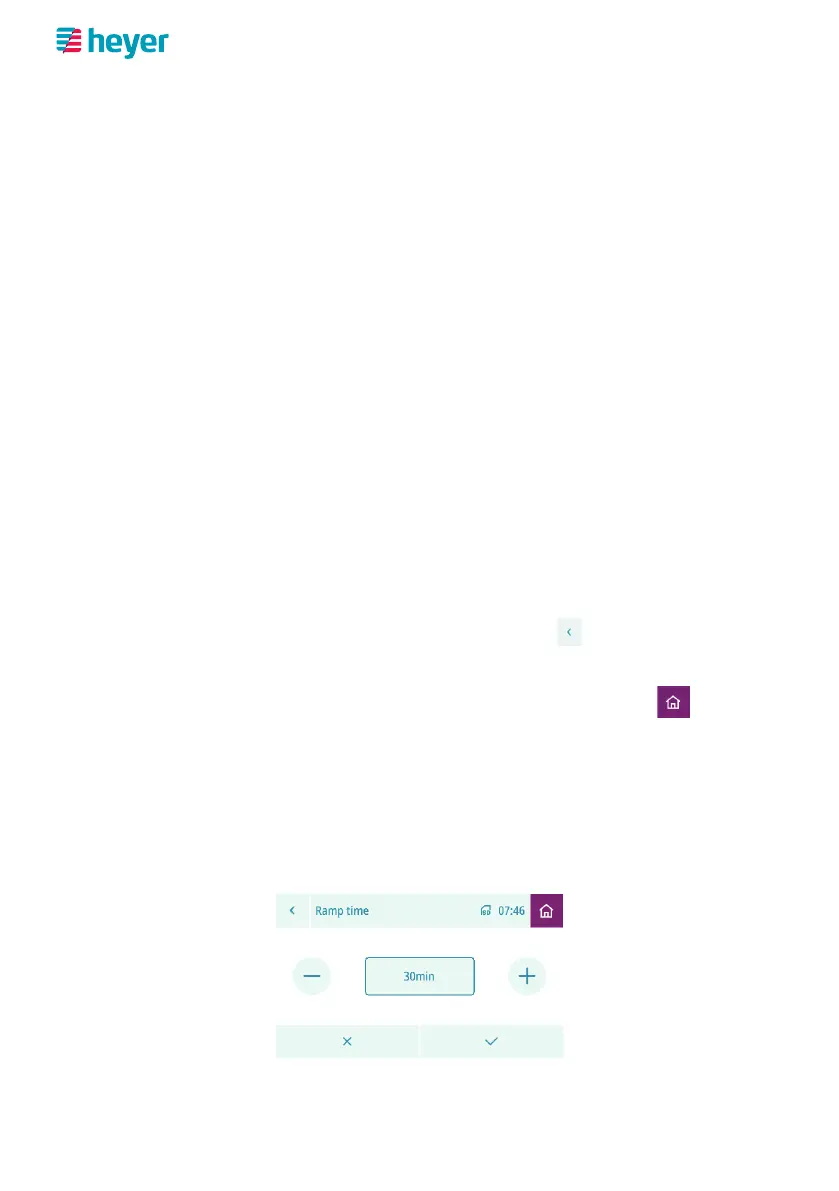
Setting a parameter
To change the setting of a parameter, call up the parameter by touching it in the
relevant menu – in our example, the “Ramp time” parameter in the
“Settings” > “Comfort” menu.
1. Change the setting by touching the plus or minus button repeatedly until the
desired value is reached.



 To Next Page