Controls
Page 27
heyer_LUVAR_UserManual_EN-3_CRev-1
2. Touch the check mark button to apply the new value and exit the parameter
screen. Alternatively, touch the cancel button with the cross to exit the pa-
rameter screen without accepting the new value.
Rotary knob control
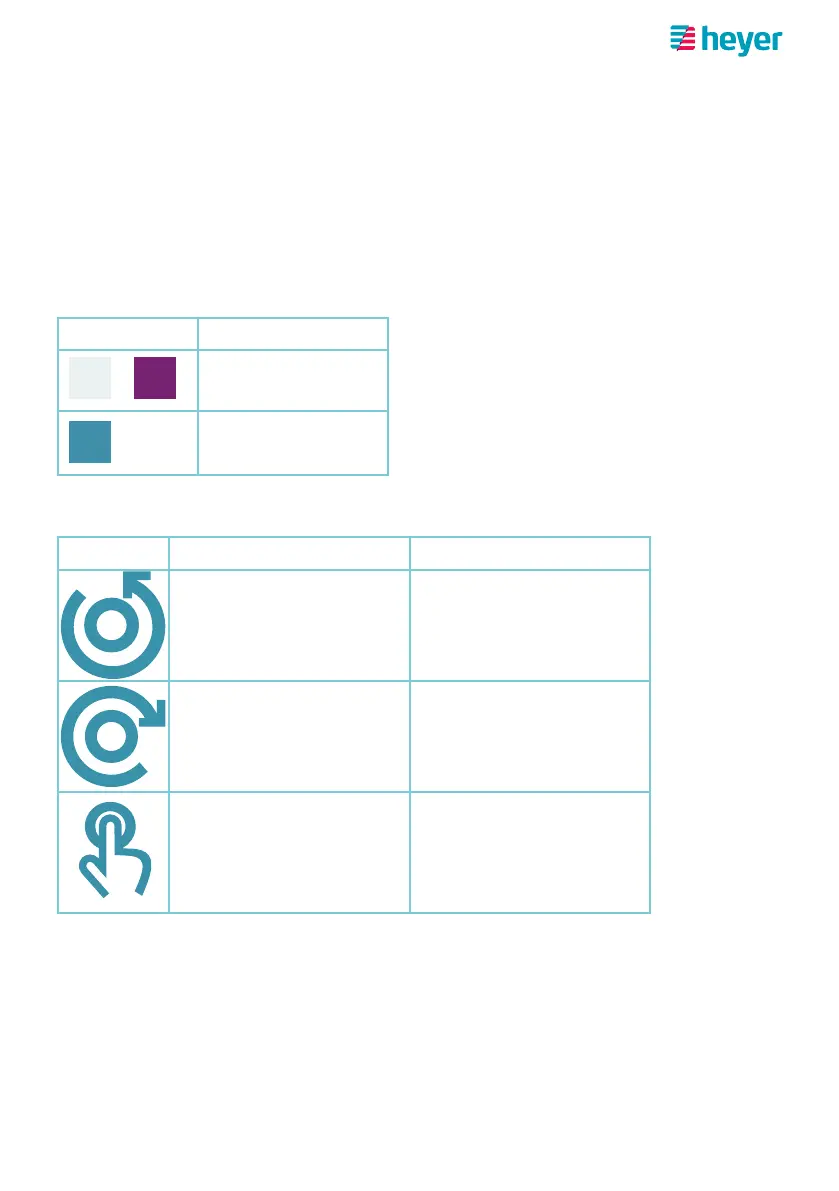
When operating the device via the rotary knob, objects are selected on the display
by turning the knob left/right. The currently selected object is highlighted in color.
Pressing the knob activates the selected object.
Object color Meaning
Not selected
Selected
The following icons are used in the description of the action steps below.
Icon Meaning Device response
Turning the knob to the
left (counterclockwise))
Selects the object to the
left of the current selec-
tion/changes to the line
above
Turning the knob to the
right (clockwise)
Selects the object to
the right of the current
selection/changes to the
line below
Pressing the knob Activates the selected
object



 To Next Page