Patient settings
Page 41
heyer_LUVAR_UserManual_EN-3_CRev-1
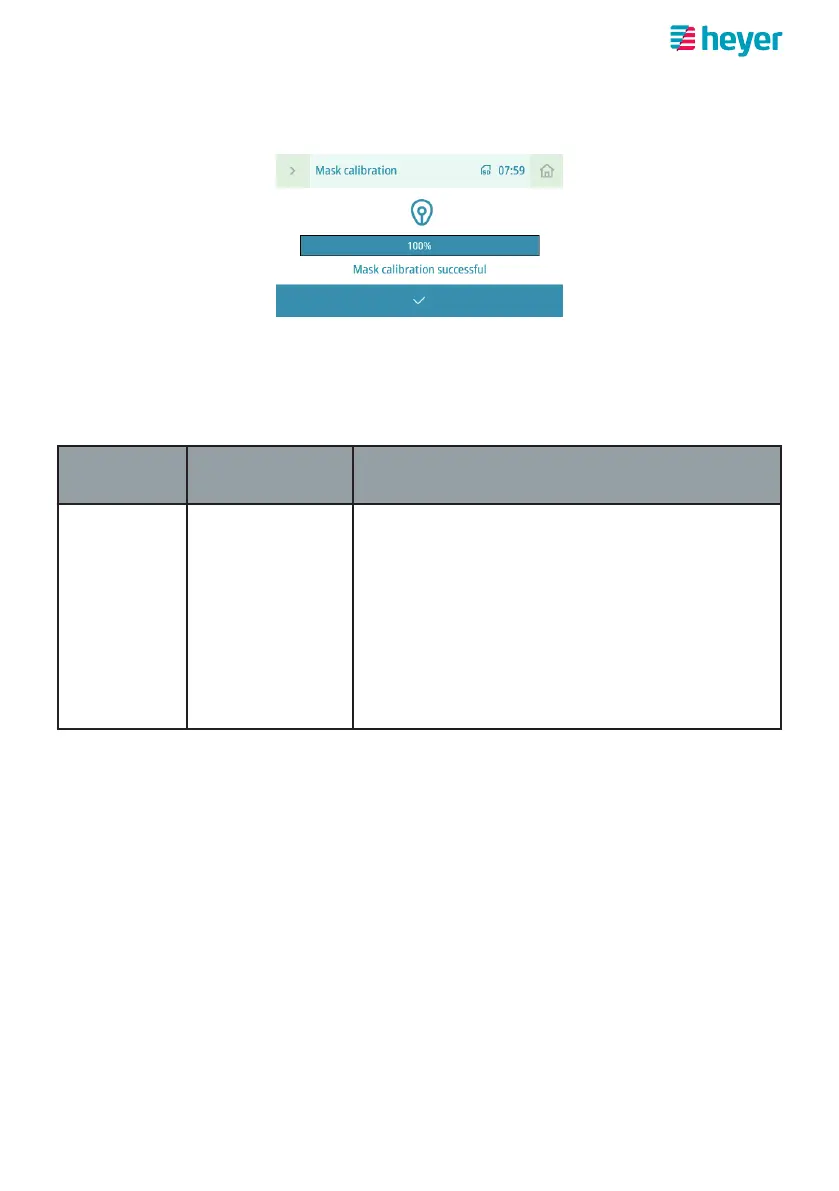
4. After the mask has been successfully calibrated, the apply button with the
check mark takes you back to the “Comfort” menu.
Setting device parameters
On the home screen, select the “Settings” button and navigate to the “Device” item
in the “Settings” screen.
Parameter
Setting range
Standard
Description
Display tim-
eout
ON
OFF
Activate or deactivate automatic screen time-
out here.
If this function is activated, the display switch-
es off after 5 minutes in standby mode and
after 1 minute during therapy.
If the function is deactivated, the display re-
mains permanently active.



 To Next Page