Starting the therapy
Page 37
heyer_LUVAR_UserManual_EN-3_CRev-1
Parameter
Setting range
Standard
Description
Time period Last night
1 week
1 month
2 month
3 month
6 month
1 year
This is where you can
select the time period
for which you want to
display the information.
Starting the therapy
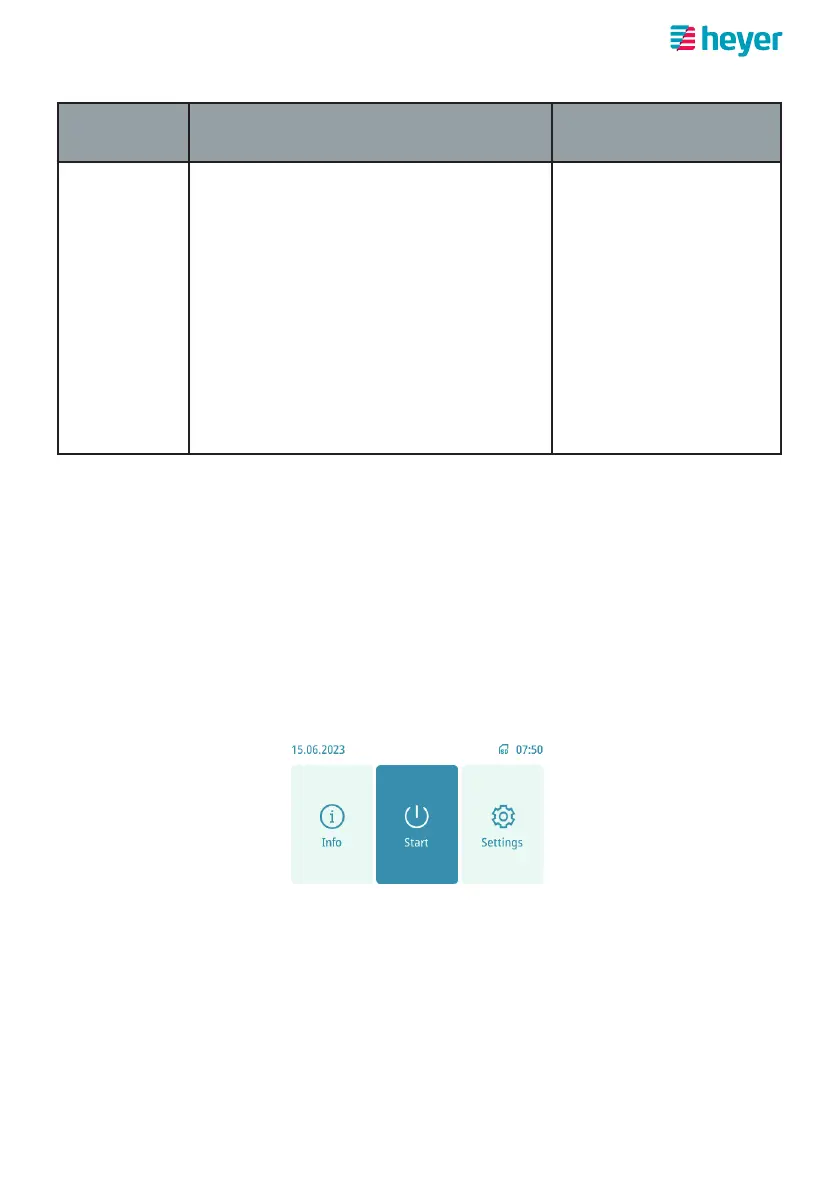
1. Make sure that all components are connected and the device is connected
to the power supply. The device should be in standby mode and display the
home screen.
2. Put the mask on. Correct positioning and location of mask on the face is cru-
cial for correct device function. Note the mask’s instructions for use.
3. Press the “Start” button or, if the “Automatic Start” function is activated (see
“Setting a comfort parameter”), breathe in and out with the mask on in order
to start the therapy.
Note: The device is operated either via the touch screen or via the rotary knob (turn to
select, press the knob to conrm). For detailed information on how to operate,
refer to section„Controls“.
Note: Check the mask for correct positioning. It is normal for a small amount of air to
escape. If larger amounts of air escape, the mask t should be corrected follow-
ing the specications in the relevant instructions for use.



 To Next Page