Air lter modul
Page 48
heyer_LUVAR_UserManual_EN-3_CRev-1
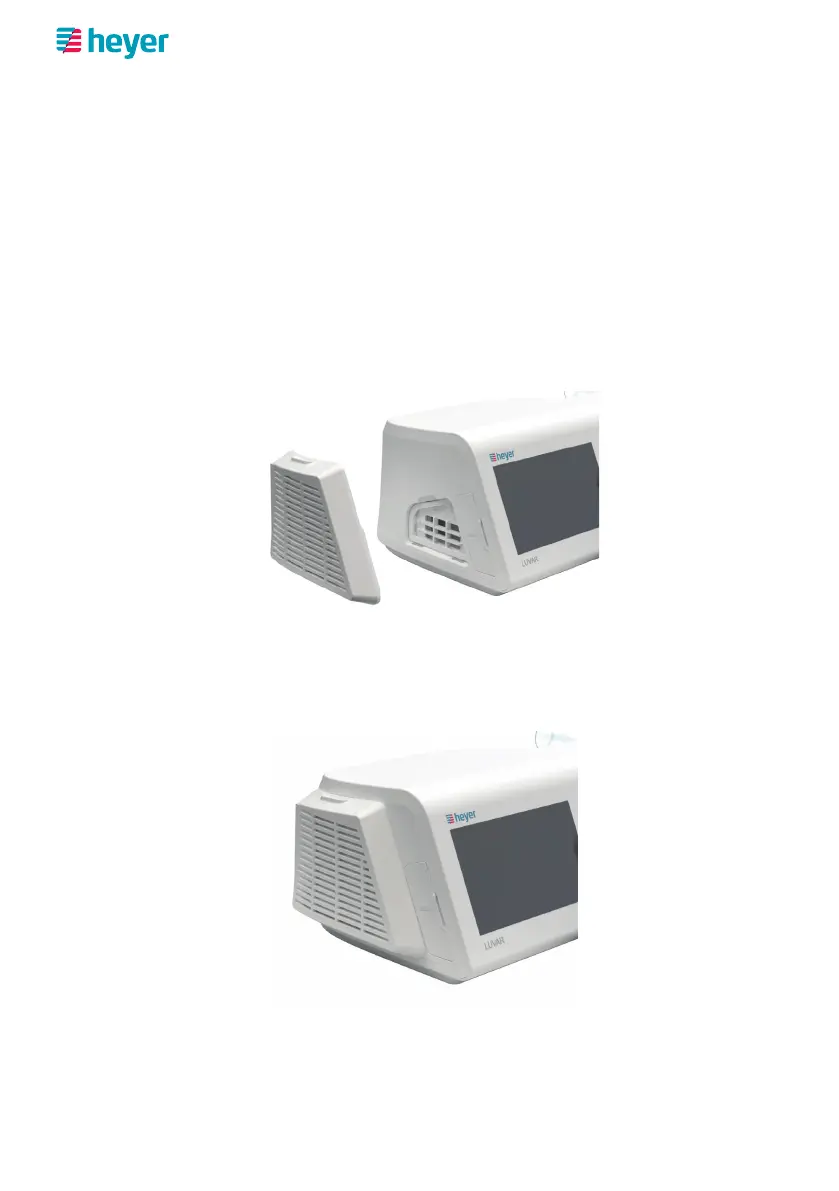
Air filter modul
The PM2.5 air filter module is available as an optional accessory. The filter module
prevents the penetration of particles down to a size of 2.5 μm.
Using the PM2.5 air filter module
1. On the left of the device, remove the filter cover from the device inlet open-
ing.
2. Remove the white filter insert from the intake opening.
3. Remove the filter module from the packaging.
4. Insert the filter module in place of the filter cover. It should click into place
when pushed gently.



 To Next Page