Chapter 1 Basic Operaon
1.1 Acvate Your Device
1.1.1 Default User and IP Address
●
Default administrator account: admin.
●
Default IPv4 address: 192.168.1.64.
1.1.2
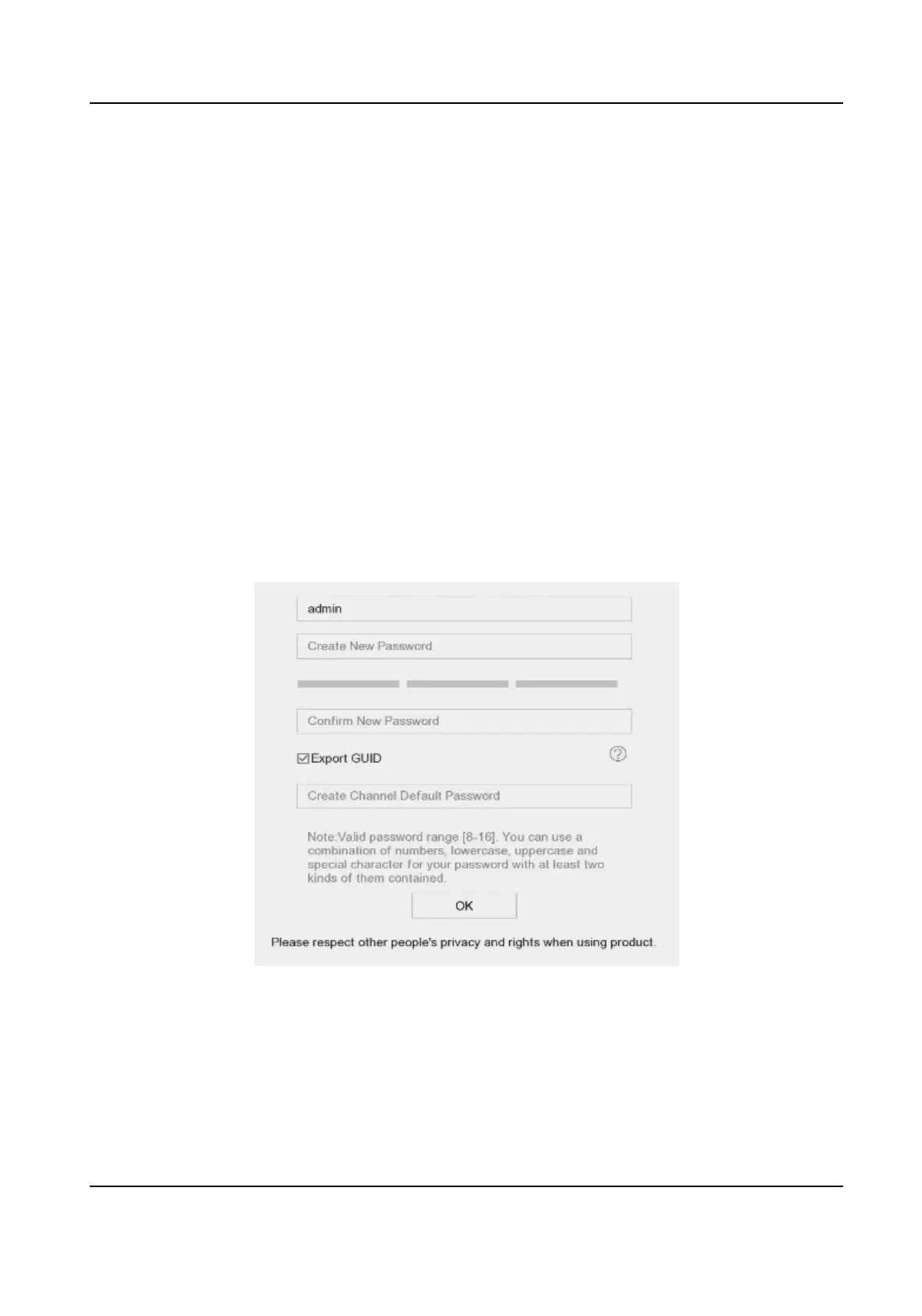
Acvate via Local Menu
For the rst-me access, you have to set an admin password to acvate your device. No operaon
is allowed before acvaon. You can also acvate the device via web browser, SADP or client
soware.
Steps
1. Enter the admin password twice.
Figure 1-1 Acvate via Local Menu
Network Video Recorder User Manual
1


 To Next Page
 Loading...