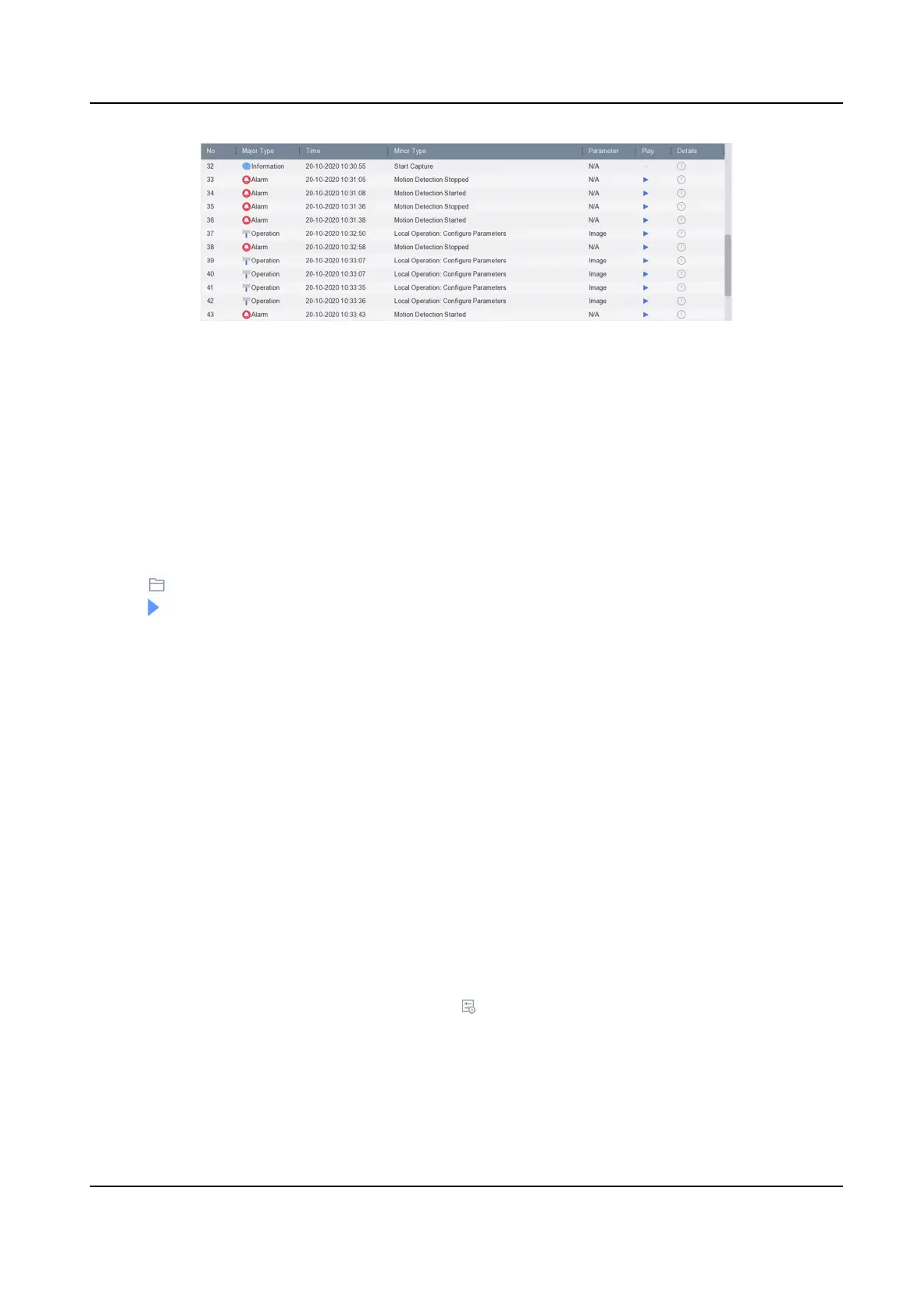
Figure 4-9 Play Log Files
4.2.8 Play External Files
You can play les from external storage devices.
Before You Start
Connect the storage device with the video les to your device.
Steps
1. Go to Playback.
2. Click
at the lower-le corner.
3. Click
, or double-click the le to play it.
4.3 Playback
Operaons
4.3.1 View Playback Error Informaon
Playback error informaon of each channel can be accessed.
If excepon occurs, playback error informaon of individual channel(s) will be provided on the
screen. Go to Playback → Channel , select
dierent channels to view if error informaon exists.
4.3.2 Set Play Strategy in Important/Custom Mode
When you are in the smart or custom video playback mode, you can set the playing speed
separately for the normal video and the smart/custom video, or you can select to skip the normal
video.
In the Smart/Custom video playback mode, click
to set the play strategy.
Network Video Recorder User Manual
52


 To Next Page
 Loading...