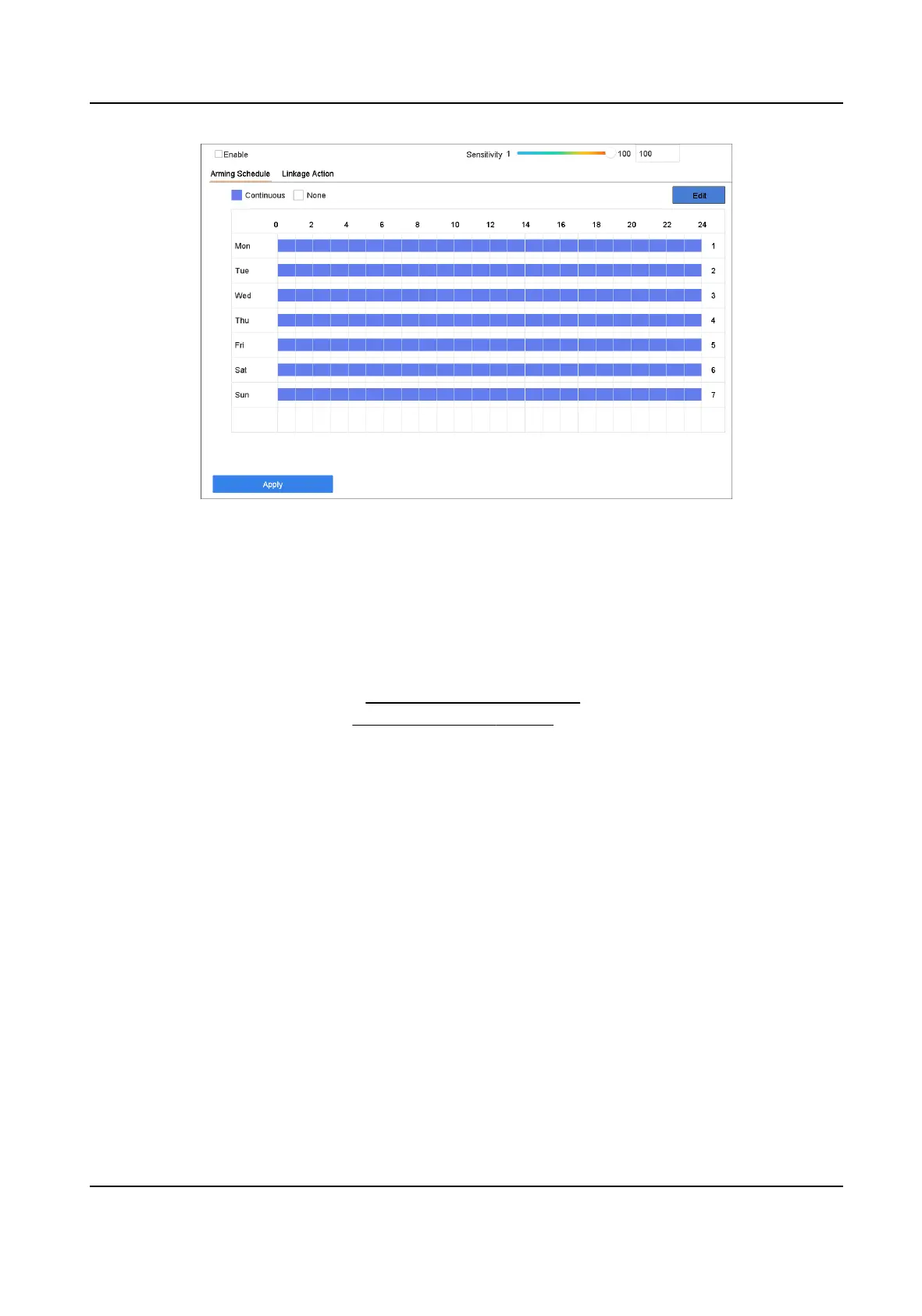
Figure 6-11 Defocus Detecon
4. Check Enable.
5. Oponal: Check Save VCA Picture to save the captured defocus detecon pictures.
6. Set the
detecon sensivity.
Sensivity
Sensivity range: [1-100]. The higher the value is, the more easily the defocus image will be
detected.
7. Set the arming schedule. Refer to
Congure Arming Schedule .
8. Set the linkage acons. Refer to Congure Linkage Acons .
9. Click Apply.
6.2.12 Sudden Scene Change
Detecon
Scene change detecon detects the change of the surveillance environment aected by external
factors, such as the
intenonal rotaon of the camera.
Steps
1. Go to Smart Analysis → Smart Event Sengs → Other Events .
2. Select a camera.
3. Click Sudden Scene Change.
Network Video Recorder User Manual
72


 To Next Page
 Loading...