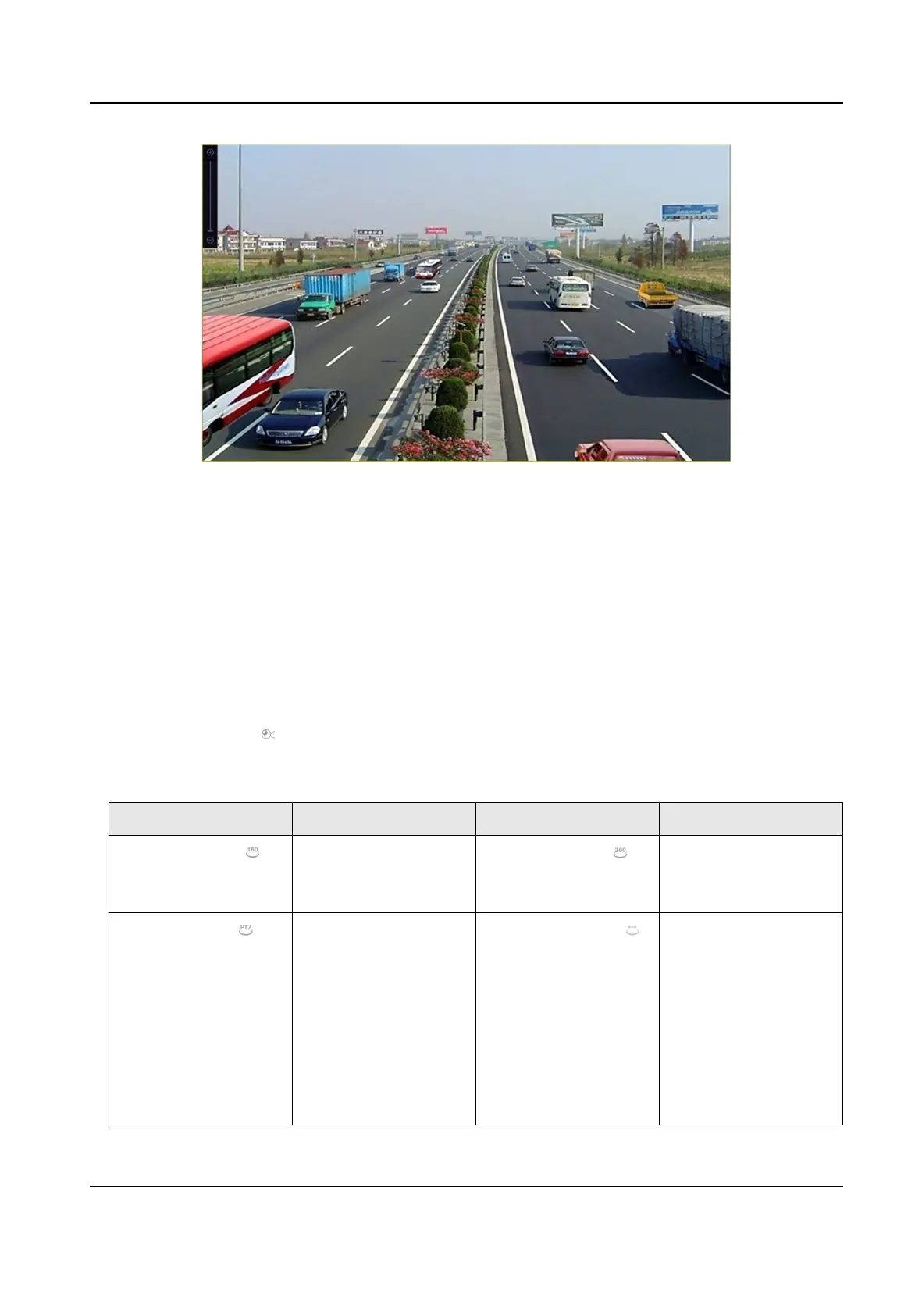
Figure 3-5 Digital Zoom
3.8 Fisheye View
The device supports the sheye camera expansion in Live View or playback mode.
Before You Start
●
The sheye expansion view feature is supported only by certain models.
●
The connected camera must support the
sheye view.
Steps
1. Start live view, click to enter the sheye expansion mode.
2. Select the expansion view mode.
Table 3-2 Fisheye View Icon
Descripon
Icon Descripon Icon Descripon
180° Panorama ( ) Switch the Live View
image to the 180°
panorama view.
360° Panorama ( ) Switch the Live View
image to the 360°
panorama view.
PTZ Expansion ( ) The PTZ Expansion is
the close-up view of
some dened area in
the
sheye view or
panorama expansion.
It supports the
electronic PTZ
funcon, also called e-
PTZ.
Radial Expansion ( ) In radial expansion
mode, the whole
wide-angle view of the
sheye camera is
displayed. This view
mode is called Fisheye
View because it
approximates the
Network Video Recorder User Manual
28


 To Next Page
 Loading...