UM IPC-4300H 040320NA 84
Move two fingers outward and inward on the touch screen to
zoom the PTZ in and out.
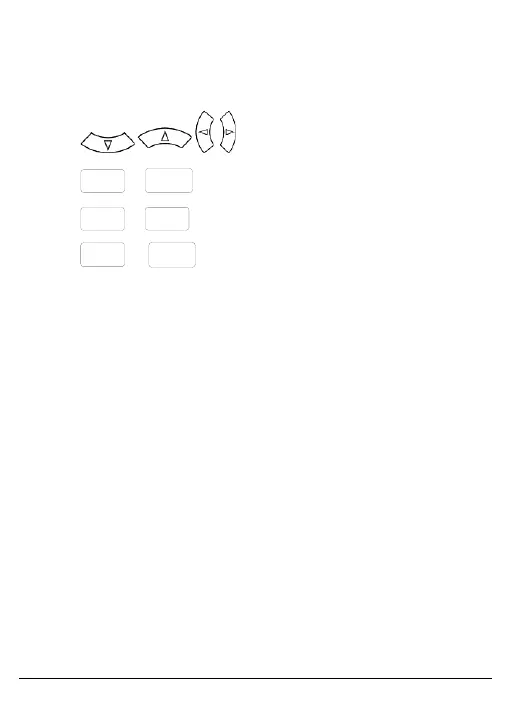
To control the PTZ using key buttons, proceed as follows:
• Press to control PTZ direction.
• Press
or
to open or close the aperture.
• Press
or
to adjust the focus manually.
• Press
or to adjust zoom manually.
• Set Preset Position:
Move the PTZ camera to the preset position.
Tap the preset position and input the preset position number.
Tap Set Position to set the preset position.



 To Next Page