If the DHCP server is available, you can check Enable DHCP to automacally obtain an IP
address and other network sengs from that server.
MTU
The maximum transmission unit (MTU) is the size of the largest network layer protocol data
unit that can be communicated in a single network transacon.
Default Route
Select a route as your desire. If your device supports Wi-Fi dongle funcon, the route of Wi-Fi
dongle would be selectable
aer a suitable Wi-Fi dongle is installed.
Auto Obtain DNS
If DHCP is checked. You can check Obtain DNS Automacally to obtain Preferred DNS Server
and Alternate DNS Server.
3. Click Apply.
6.2.2 DDNS
Dynamic domain name server (DDNS) maps dynamic user IP addresses to a xed domain name
server.
Before You Start
Register DynDNS, PeanutHull and NO-IP services with your ISP.
Steps
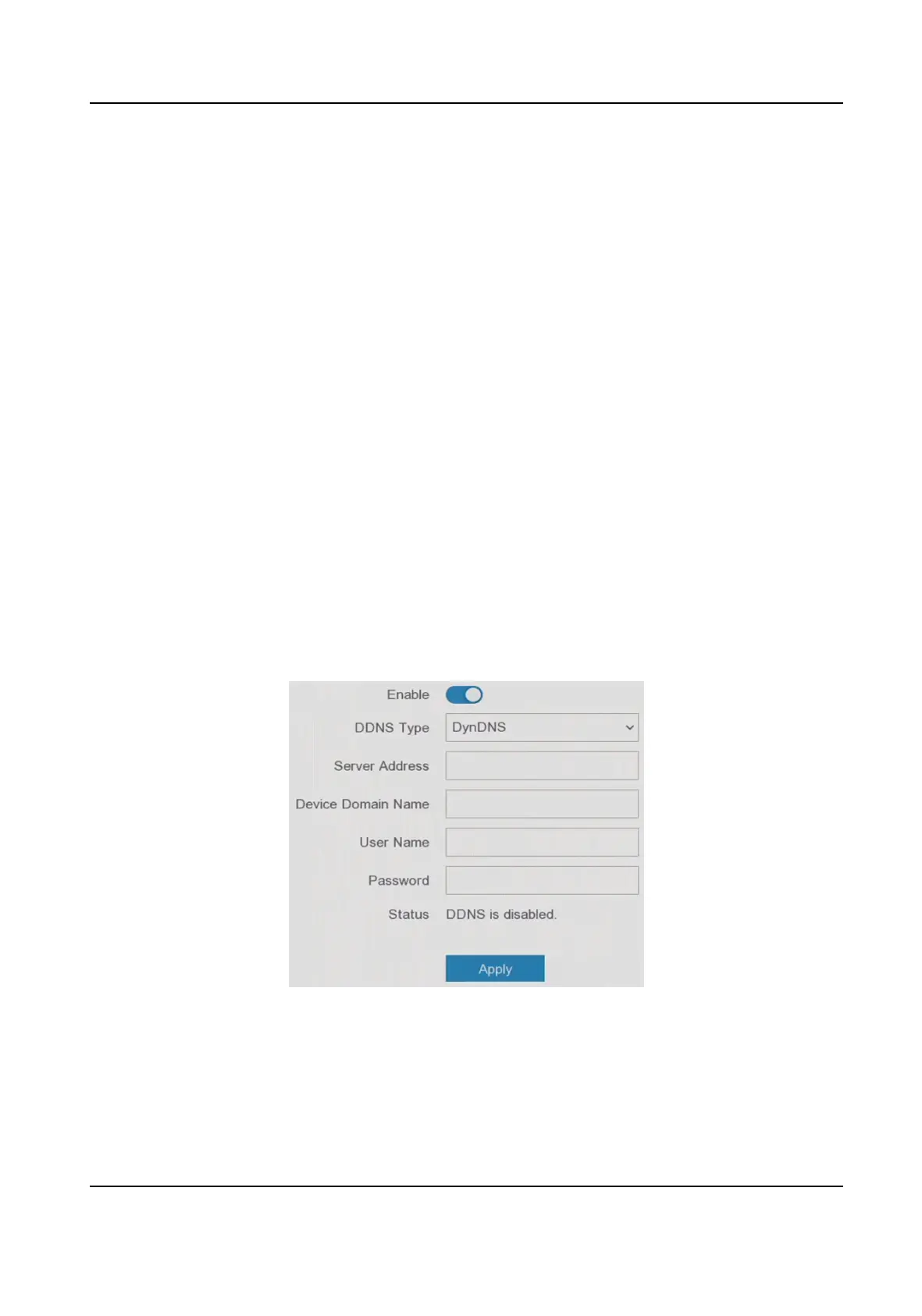
1. Go to Conguraon → Network → General → DDNS .
Figure 6-4 DDNS
2. Turn on Enable.
3. Select a DDNS type.
4. Enter parameters including service address, domain name, etc.
5. Click Apply.
Digital Video Recorder User Manual
36



 To Next Page