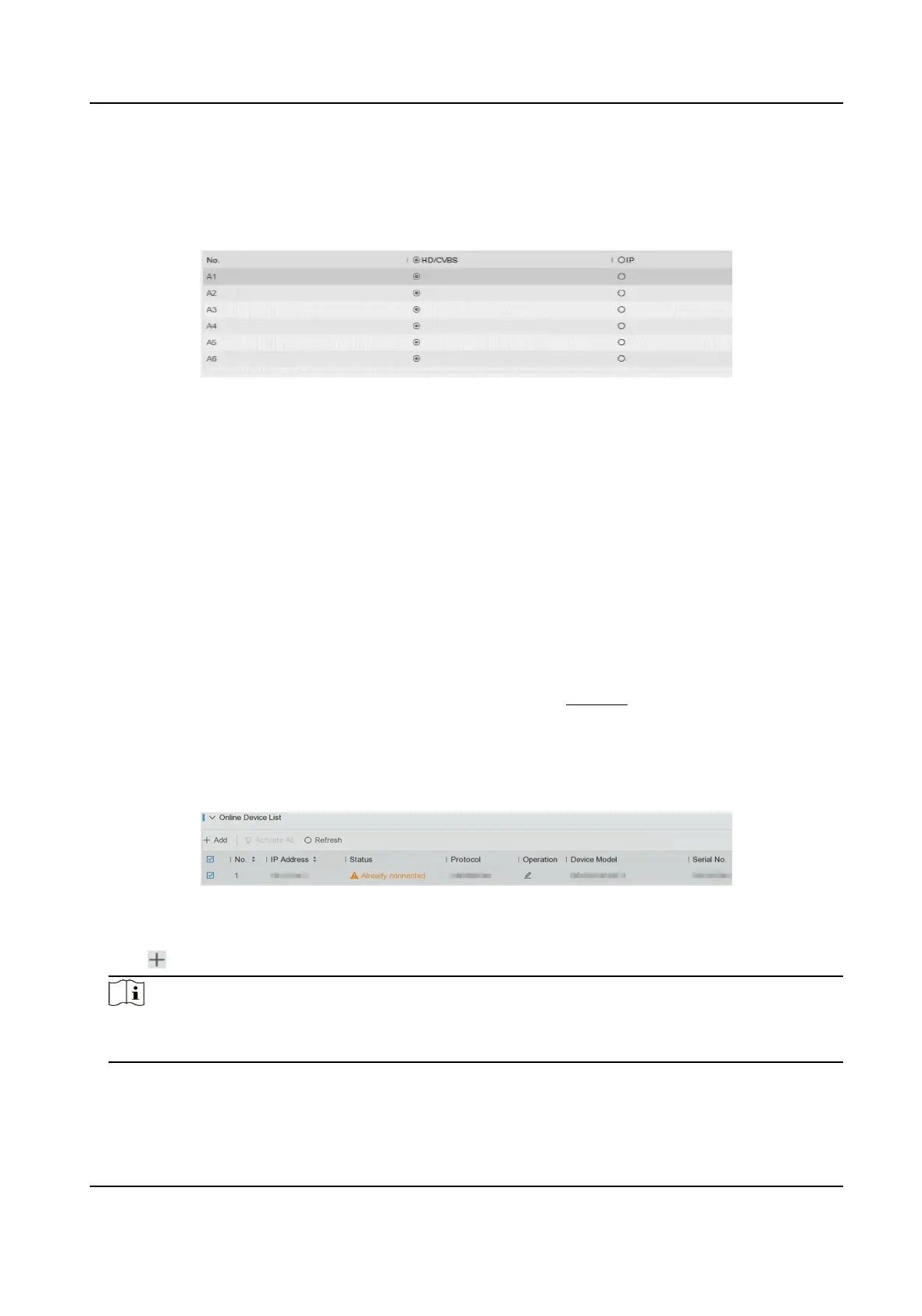
Four types of analog signal inputs including Turbo HD, AHD, HDCVI, and CVBS can be
connected randomly for the channel.
IP
Network camera can be connected for the channel.
Figure 5-7 Signal Input Type
3. Click Apply. You can view the maximum network camera accessible number in Max. IP Camera
Number.
5.3.2 Network Camera
Add Network Camera by Device Password
Add network cameras which the password is the same as your video recorder.
Before You Start
●
Ensure your network camera is on the same network segment with your video recorder.
●
Ensure the network
connecon is valid and correct. Refer to General for details.
●
Ensure the network camera password is the same as your video recorder.
Steps
1. Go to
Conguraon → Camera → IP Camera . The online cameras on the same network
segment with your video recorder are displayed in Online Device List.
Figure 5-8 IP Camera Management Interface
2. Select a desired network camera.
3. Click to add the camera.
Note
If the camera is inacve, the device will acvate it automacally with the password you have set
during device acvaon.
Digital Video Recorder User Manual
22



 To Next Page