Congure PTZ Linkage
Video recorder can trigger the PTZ acons (e.g., call preset/patrol/paern) when the alarm event,
or VCA
detecon events occur.
Steps
1. Go to Linkage Acon interface of the alarm input or VCA detecon.
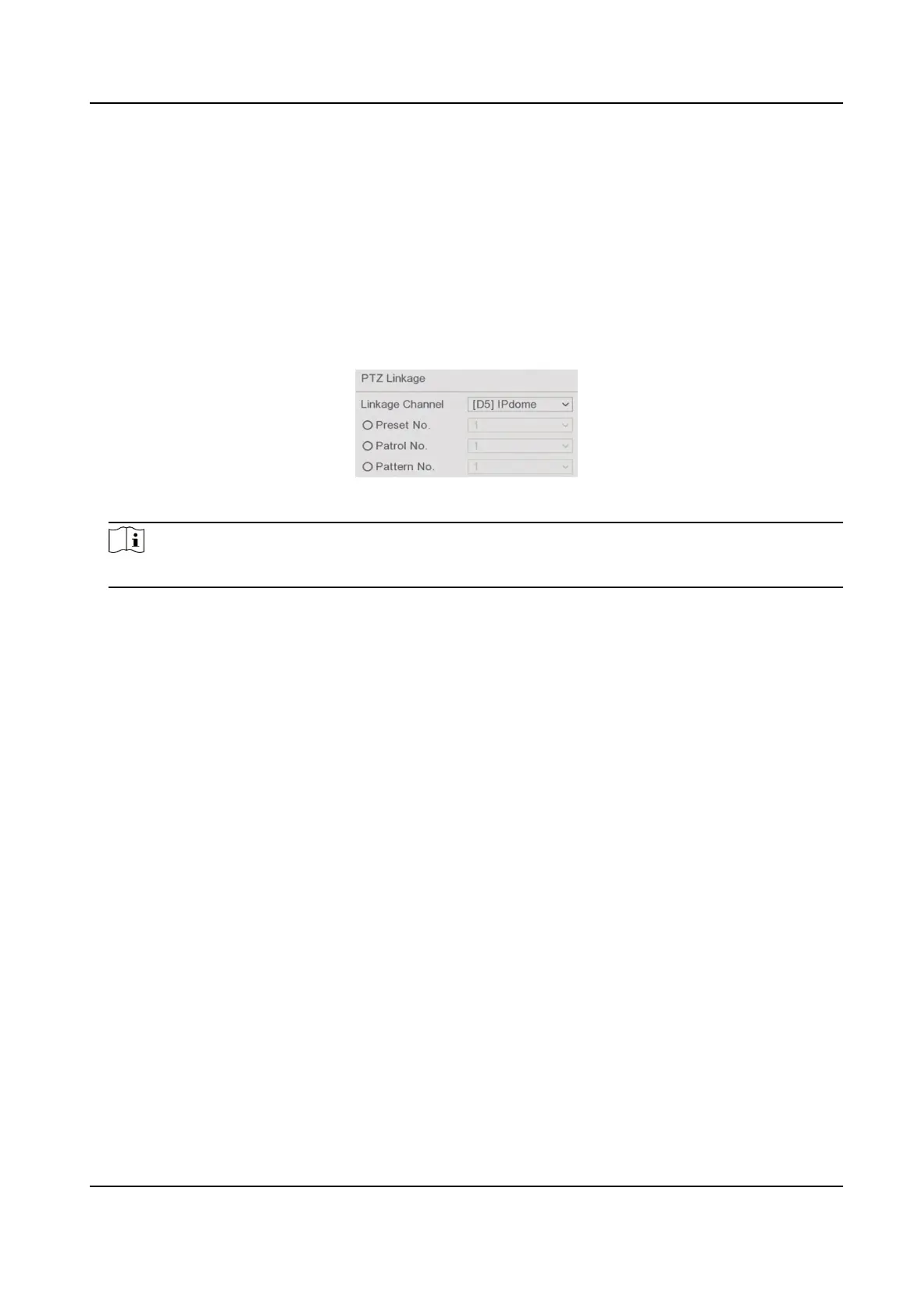
2. Select PTZ Linkage.
3. Select the camera to perform the PTZ
acons.
4. Select the preset/patrol/paern No. to call when the alarm events occur.
Figure 6-22 PTZ Linkage
Note
You can set one PTZ type only for the linkage acon each me.
6.5 Recording Management
6.5.1 Congure Recording Schedule
Video recorder will automacally start/stop recording according to the congured schedule.
Congure
Connuous Recording
Steps
1. Go to
Conguraon → Record → Parameter .
2. Set the connuous main stream/sub-stream recording parameters for the camera.
3. Go to
Conguraon → Record → Schedule .
4. Select recording type as Connuous.
Congure
Event Recording
You can congure the recording triggered by the normal event or smart event.
Steps
1. Go to Conguraon → Event .
Digital Video Recorder User Manual
59



 To Next Page