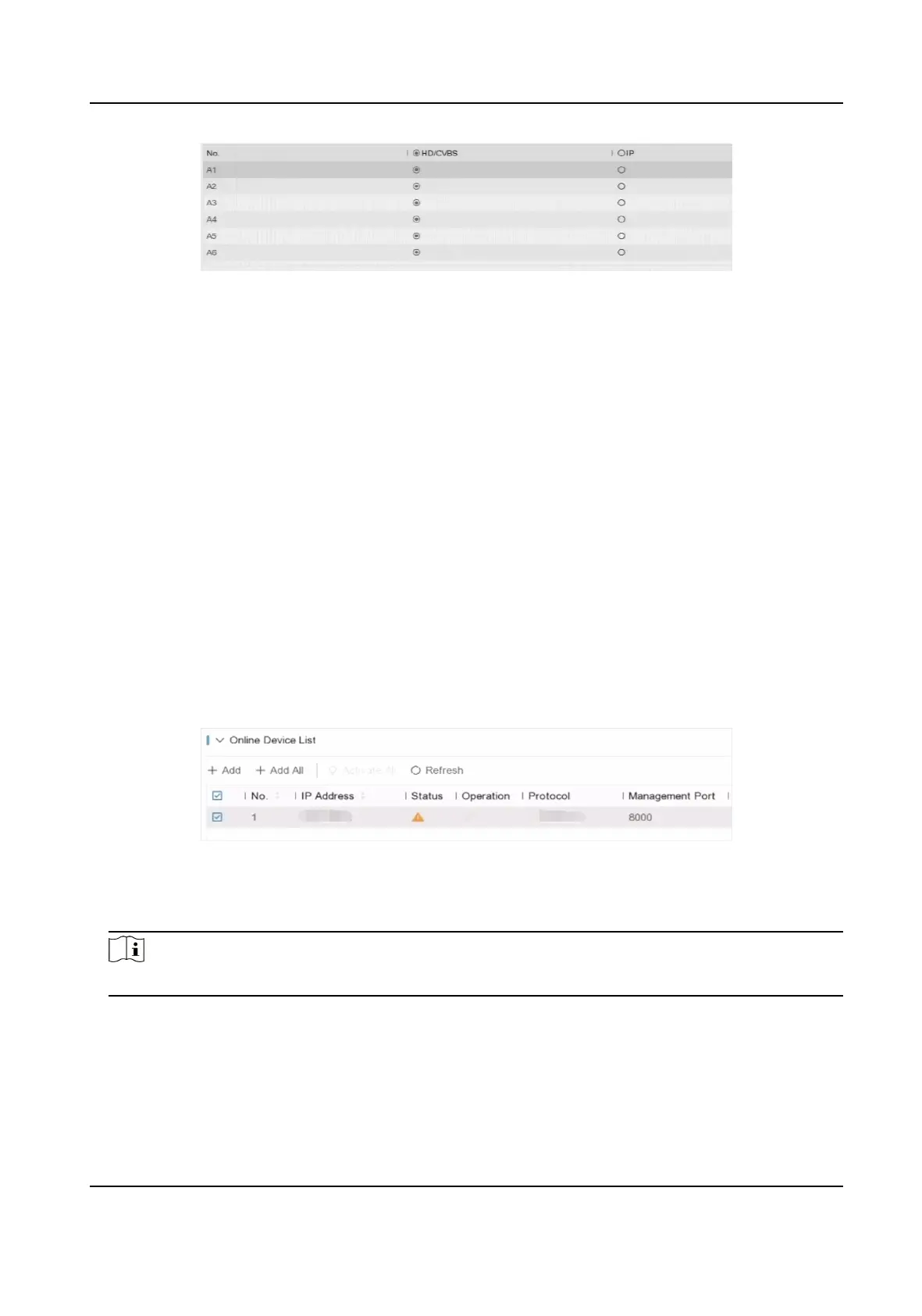
Figure 6-10 Signal Input Type
3. Click Apply. You can view the maximum network camera accessible number in Max. IP Camera
Number.
6.3.2 Network Camera
Add Automacally Searched Online Network Camera
Add the network cameras to your video recorder.
Before You Start
●
Ensure your network camera is on the same network segment with your video recorder.
●
Ensure the network connecon is valid and correct.
●
Ensure the network camera password is the same as your video recorder.
Steps
1. Go to
Conguraon → Camera → Camera .
2. Click Online Device List. The online cameras on the same network segment will be displayed in
the list.
Figure 6-11 Online Device
3. Oponal: Click Edit IP to edit camera IP addresses in batch. The system will allocate IP addresses
to the selected cameras in order.
Note
Ensure the selected cameras are acvated.
4. Select a network camera, and click Add to add it.
Add Network Camera Manually
Add the network cameras to your video recorder.
Digital Video Recorder User Manual
44



 To Next Page