2. SETUP
2-8
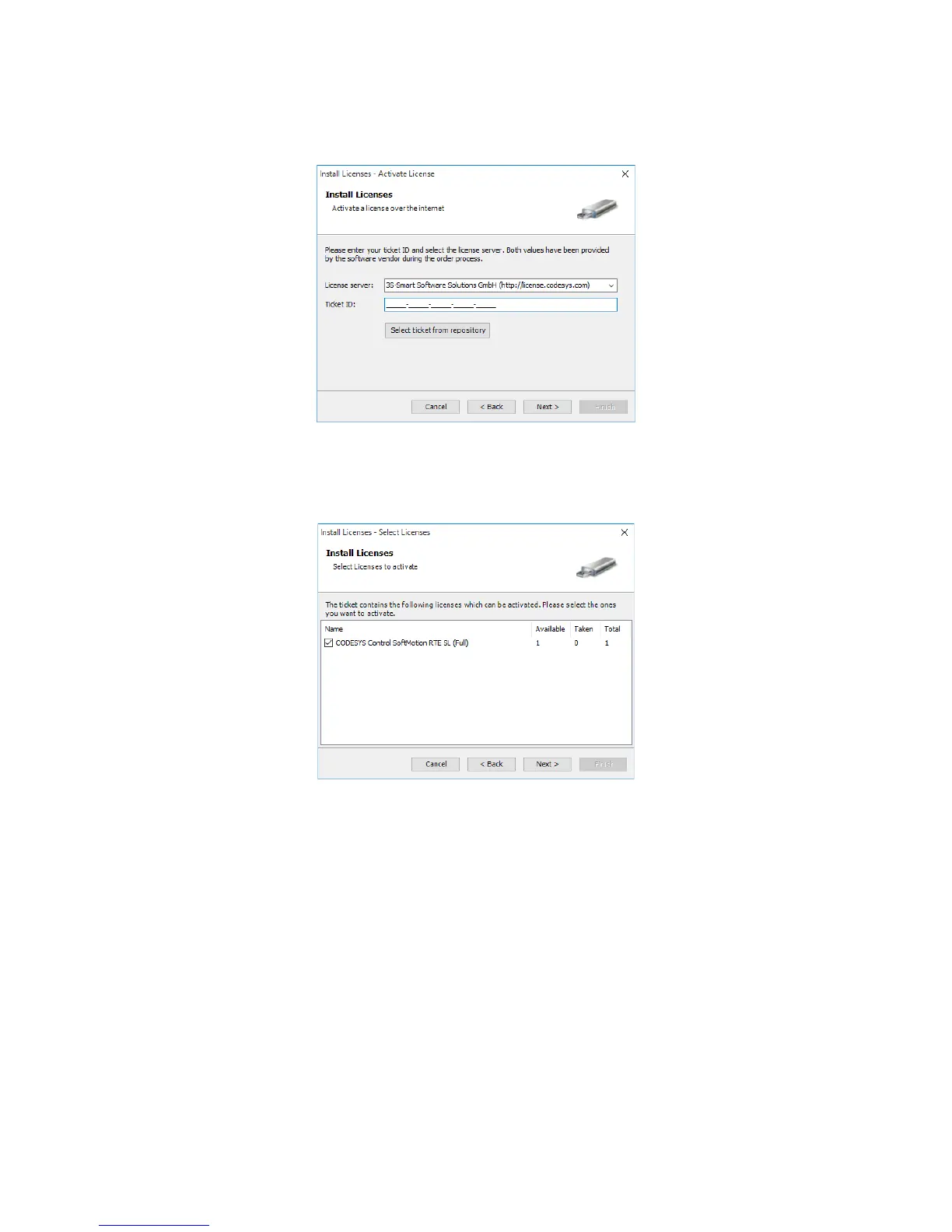
9. The Active License window is displayed. Enter the ticket ID shown on the license
certificate (included with the product) in the Ticket ID box. Then click Next.
10. The Select Licenses window is displayed. Select the checkbox for CODESYS
Control SoftMotion RTE SL, and then click Next.
When the authentication process is finished, click Finish.














 To Next Page