2. SETUP
2-9
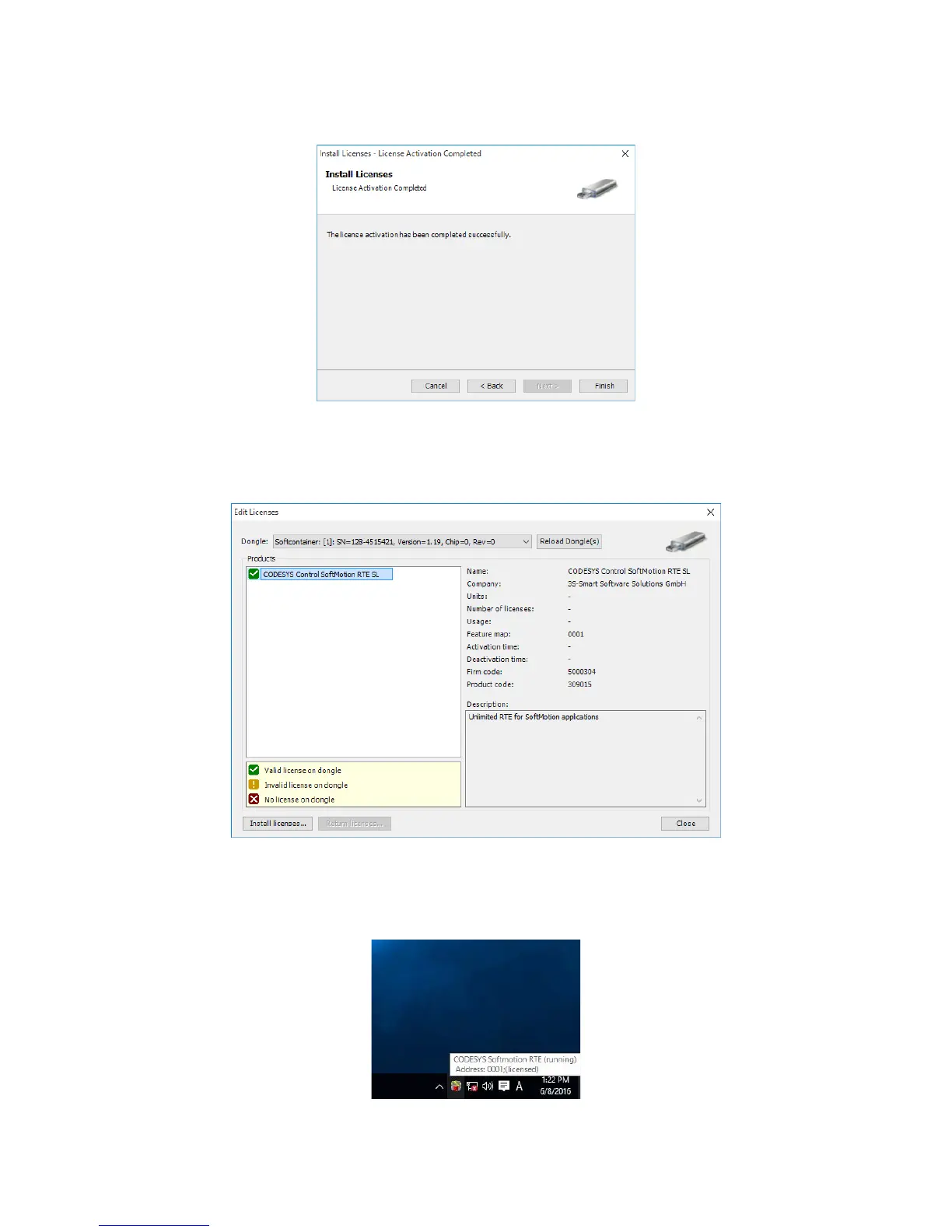
11. If the activation is successful, the following window appears. Click Finish.
<Confirming the license activation status>
In the Edit Licenses window, you can check that the license for CODESYS Control
SoftMotion RTE has been activated.
You can also check the display status of the CODESYS Control RTE V3 icon in
notification area on the taskbar to see whether the mode has been changed from
DEMO to licensed.














 To Next Page