3. CREATING A PLC PROGRAM
3-20
(2) Creating a G-code
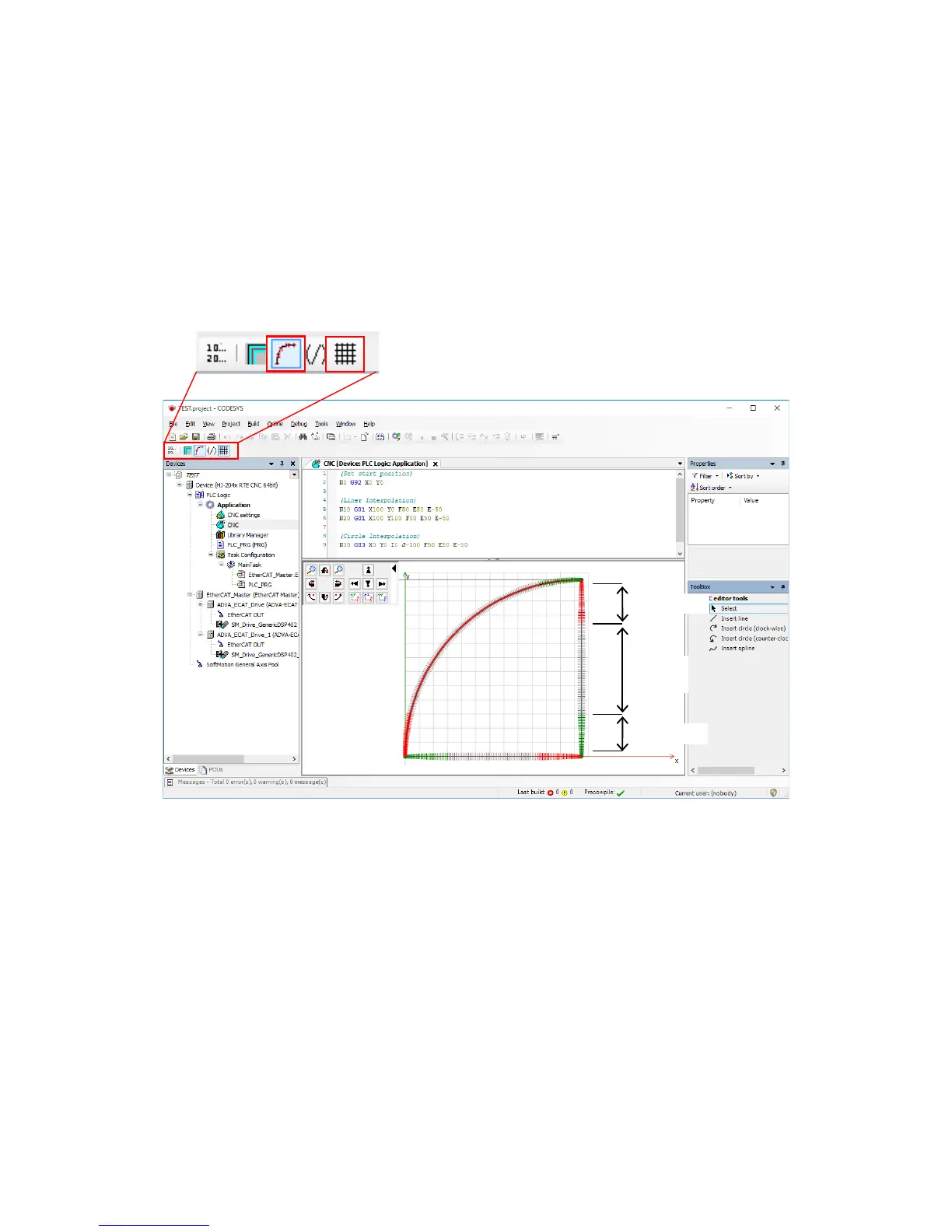
1. Double-click CNC in the Devices window to display a window for creating a G-code.
2. If you click a meshed icon ((A) in the following figure) on the menu near the upper left
corner of the window, an auxiliary line is shown. Moreover, if you click an icon with a
line and dots ((B) in the following figure), the acceleration, deceleration, and constant
velocity sections of the track created by the G-code are shown color-coded.
Note that if you make changes in either the G-code or the Graphic Editor, the other is
automatically updated.














 To Next Page