3. CREATING A PLC PROGRAM
3-21
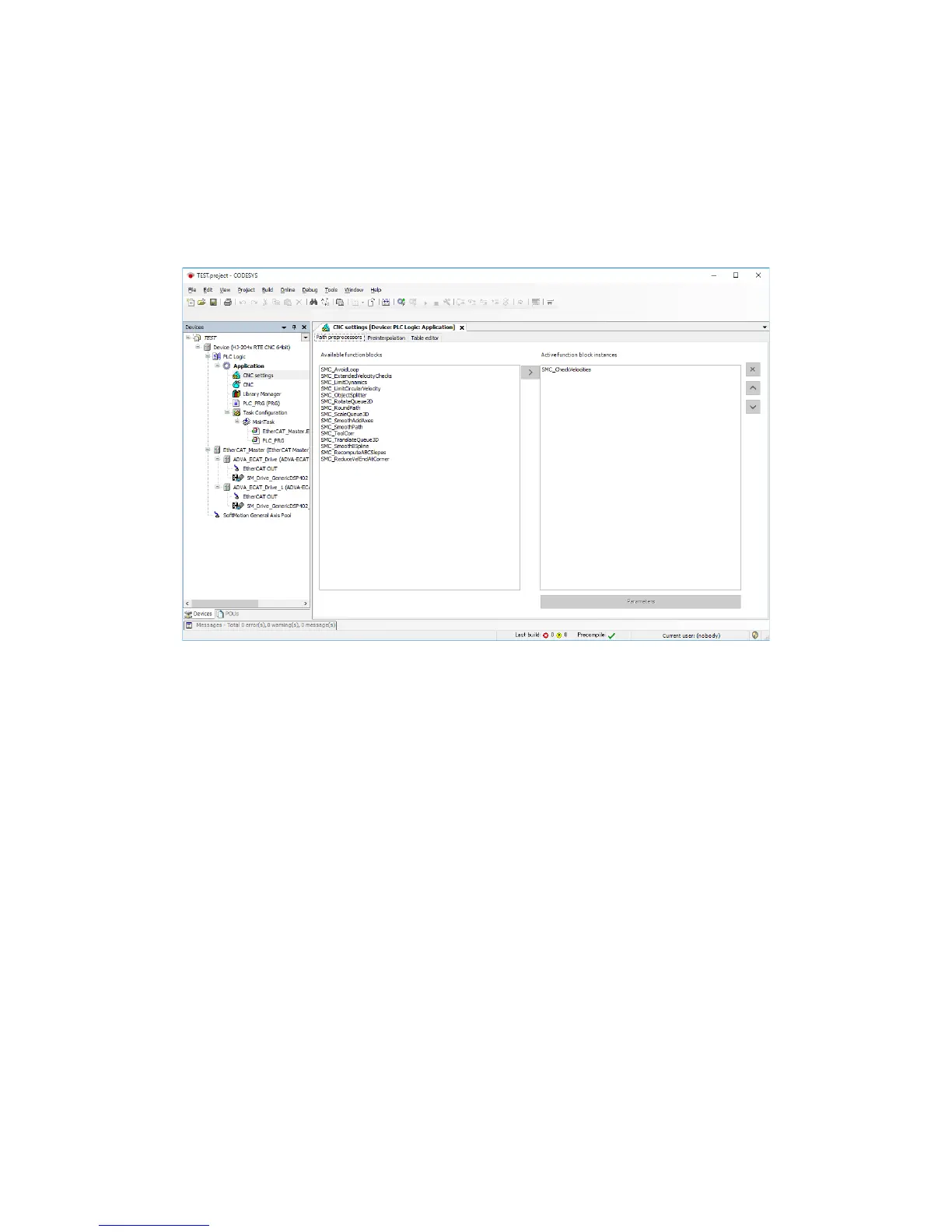
(3) CNC settings
1. Double-click CNC settings in the Devices window to display a window for CNC
settings.
2. Click the Path preprocessors tab to display a list of Available function blocks. Select
the function block you want to use, and then click >.
The function block is registered under Active function block instances.














 To Next Page