3. CREATING A PLC PROGRAM
3-22
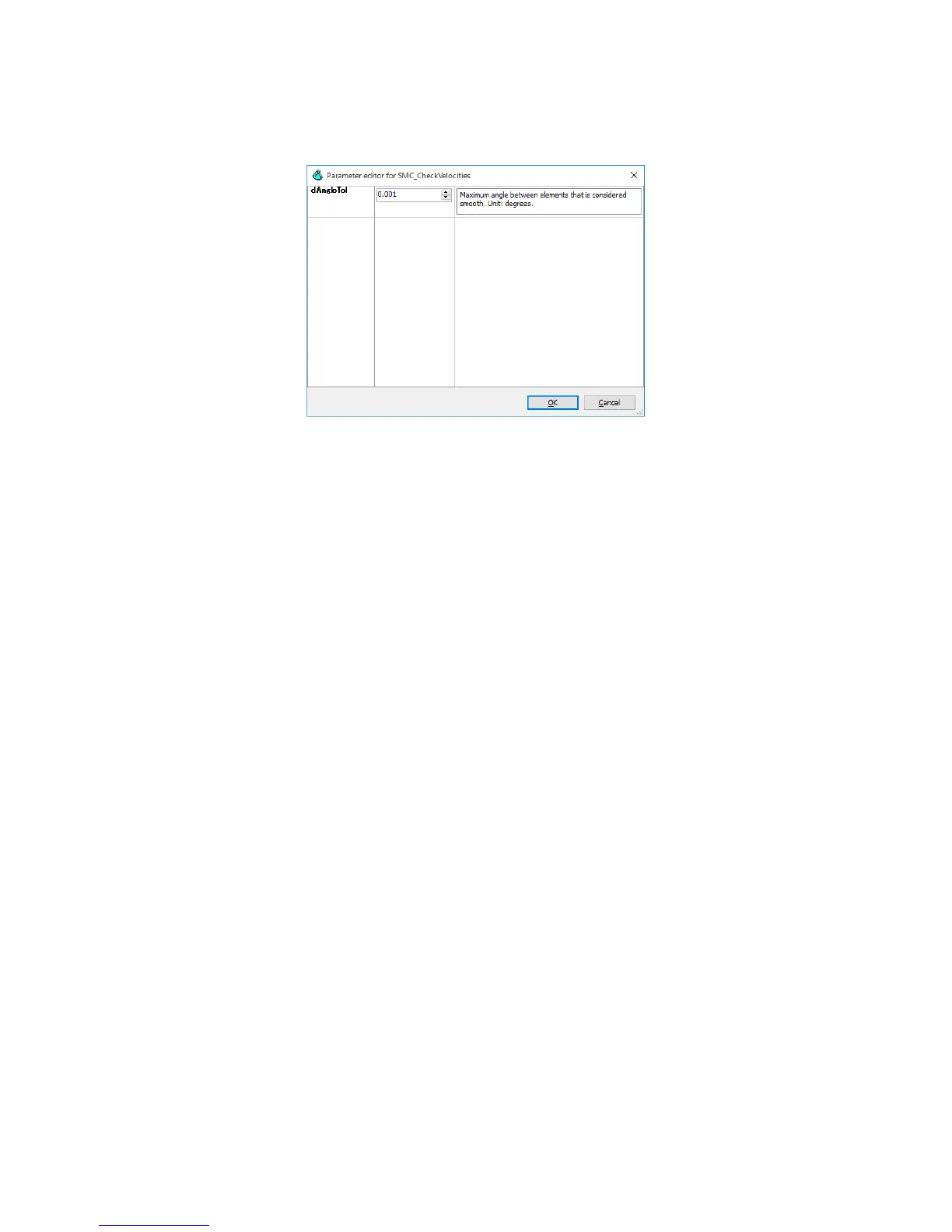
3. Select the registered function block, and click Parameters. The Parameter editor
window for the function block is displayed. Set up the parameters as required.
For details about G-codes, CNC, and SoftMotion, refer to the following topic in the online
help.
• Add-ons > SoftMotion














 To Next Page