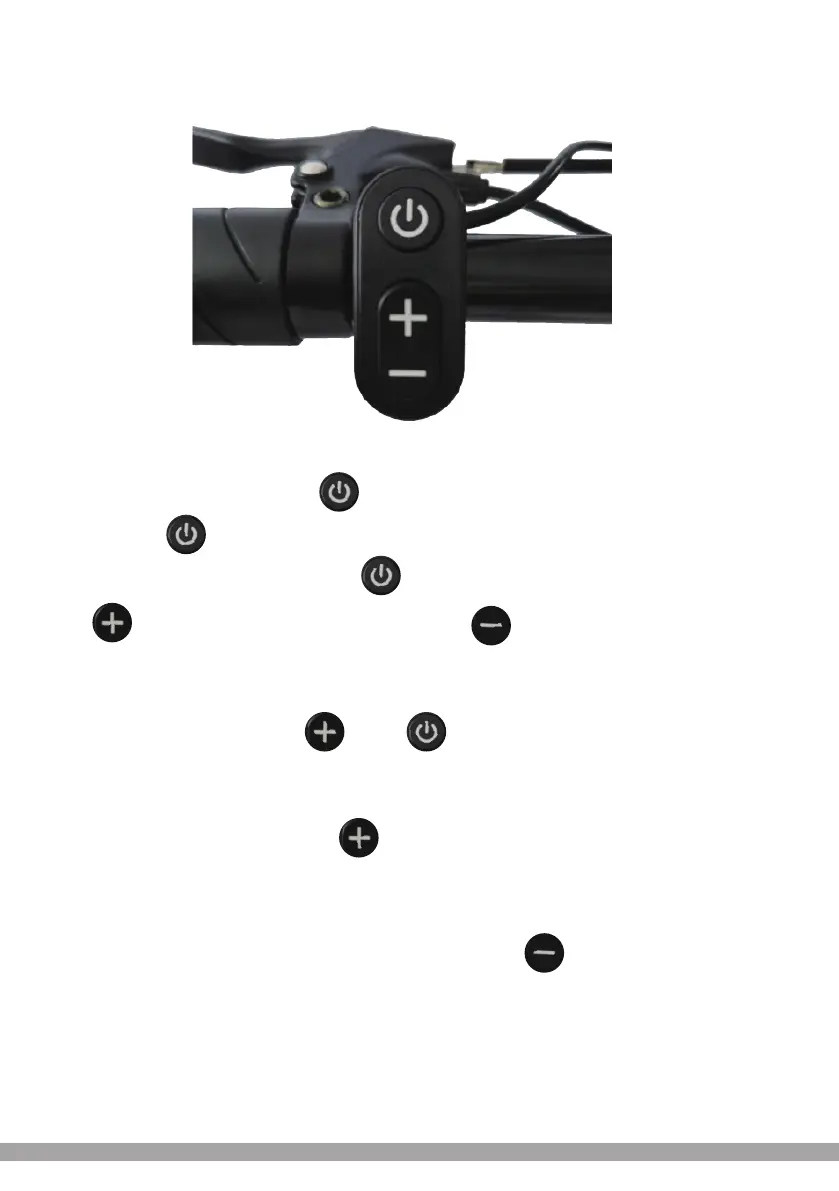
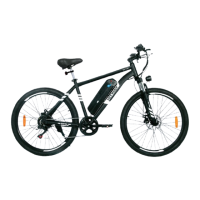
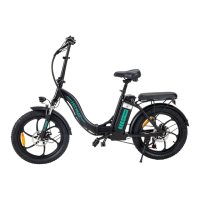
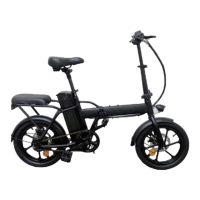
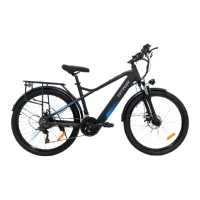
Introduction to the buttons:
The specific combination of button positions are as follows
Specific operation explanation:
1. In the off state, press and hold the button to turn it on;In the power-on state,
short press the button to switch the display data between ODO, TRIP, VOL, TIME.
2. In the power-on state, press and hold the button to turn it off,Short
press button, assist gear will be + 1 ,Short press button, assist gear
will be - 1
3. In the power-on state, long press and can switch between
VAG (average speed), MAX (maximum speed), and SPEED (current speed).
4. In the power-on state, long press the button to switch on the headlight,
long press again to switch off the headlight.
5.In the power-on state, the bike is in no speed state, long press the button,
the bike enters the boost mode, and the gear then switches to the P mode.
Deutsch / English / Français / Español / Italiano / Nederlands / Polski
-66-


 To Next Page