BASE STATION SETTINGS
30
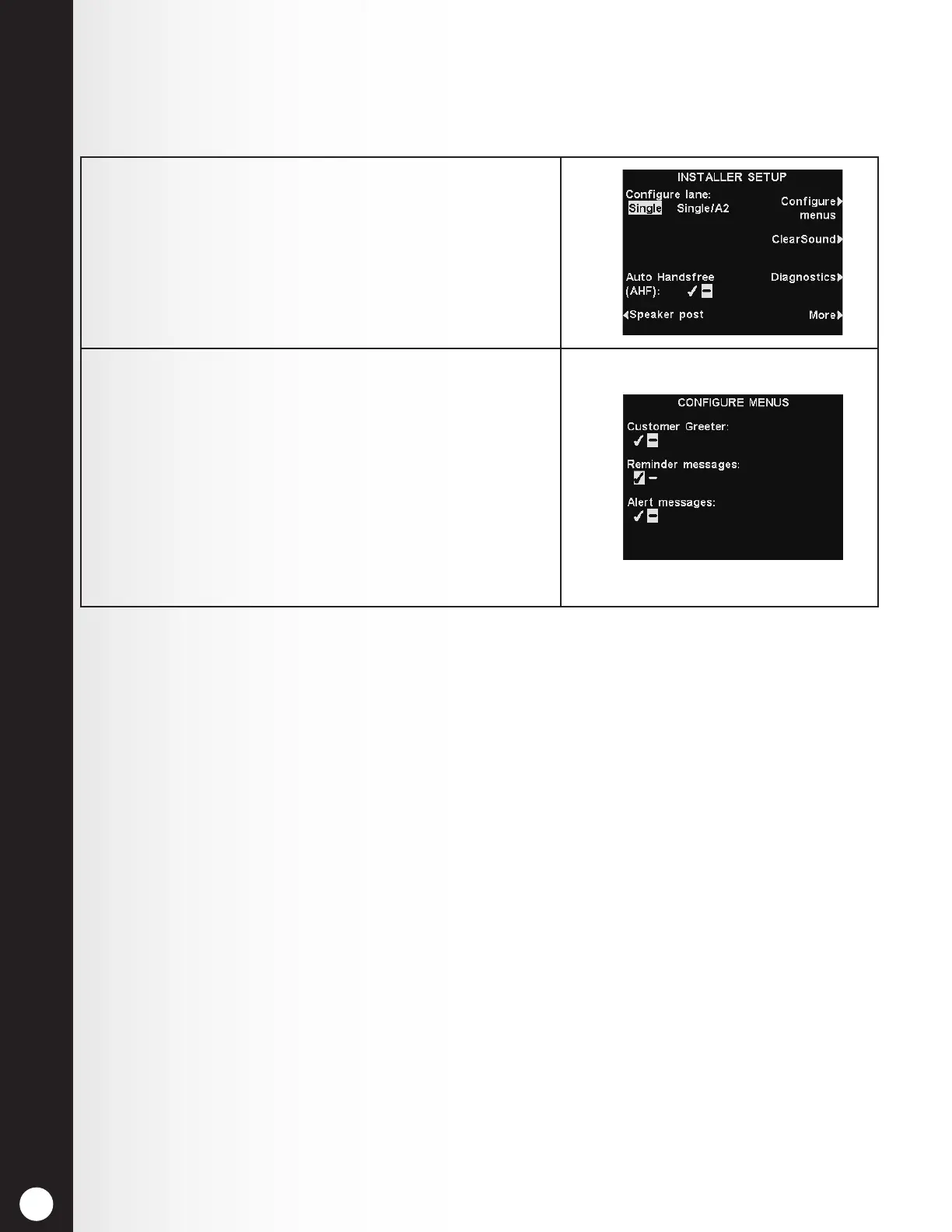
1. Select Congure menus on the INSTALLER SETUP
display.
2. On the CONFIGURE MENUS display, select a setting
and highlight ✔ (on) or − (off).
If − (off) is selected, the messages menu for that
setting will be hidden from the MESSAGE CENTER
MENU.
No one will have access to those Message Center
settings, unless an administrator resets the respective
setting by selecting ✔.
To save the setting, press the Back button.
5.2.4 Congure Menus
The Congure menus setting provides security for Message Center settings, so only managers have
access to changing the settings. To adjust this setting:



 To Next Page