Doc: HMSI-168-92 Rev: 3.00Netbiter EasyConnect Gateway User Manual
LED Indicators 18
3. LED Indicators
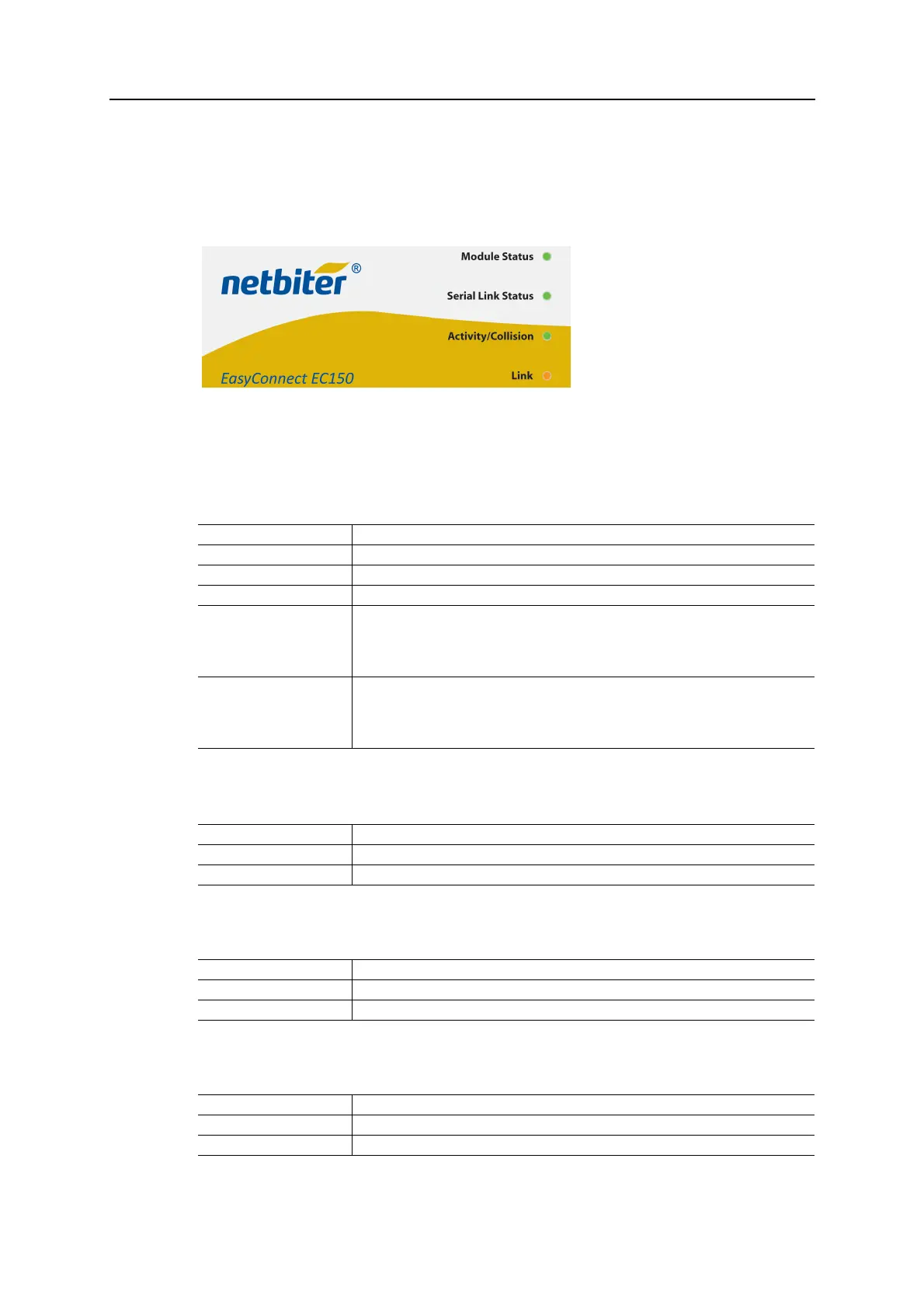
3.1 Netbiter EC150
3.1.1 Module Status
TheModuleStatusLEDindicatesthefunctionalstatusoftheunit.Duringstartupthe Mod‐
uleStatusLEDwillfirstshoworange,thensteadygreenuntilstartuphascompleted.
3.1.2 Serial Link Status
3.1.3 Activity/Collision
3.1.4 Link
Indication Meaning
Off No power
Orange / Green (steady) Unit is starting up (ca. 30 seconds)
Green (3 flashes) Unit is operating normally
Red (2 flashes) Invalid network settings
• DHCP: Check that there is a working DHCP server on the network.
• Static IP: Check that the IP address, default gateway and DNS are correctly set.
• If a proxy is used, check that the proxy settings are correct.
Red (3 flashes) No connection to Netbiter Argos
• Check the network settings.
• If a proxy is used, check that the proxy settings are correct.
• Check that at least one of ports 443, 80 or 5222 are open in the firewall.
Indication Meaning
Green (flashing) Receiving serial packet
Red (flashing) Transmitting serial packet
Indication Meaning
Green (flashing) Receiving Ethernet packet
Red (flashing) Ethernet collision detected
Indication Meaning
Green 10 Mb/s Ethernet network detected
Orange 100 Mb/s Ethernet network detected














 To Next Page