OPERATION OF THE SOFTWARE MENU
Imager Duo Operator’s Manual
4.17
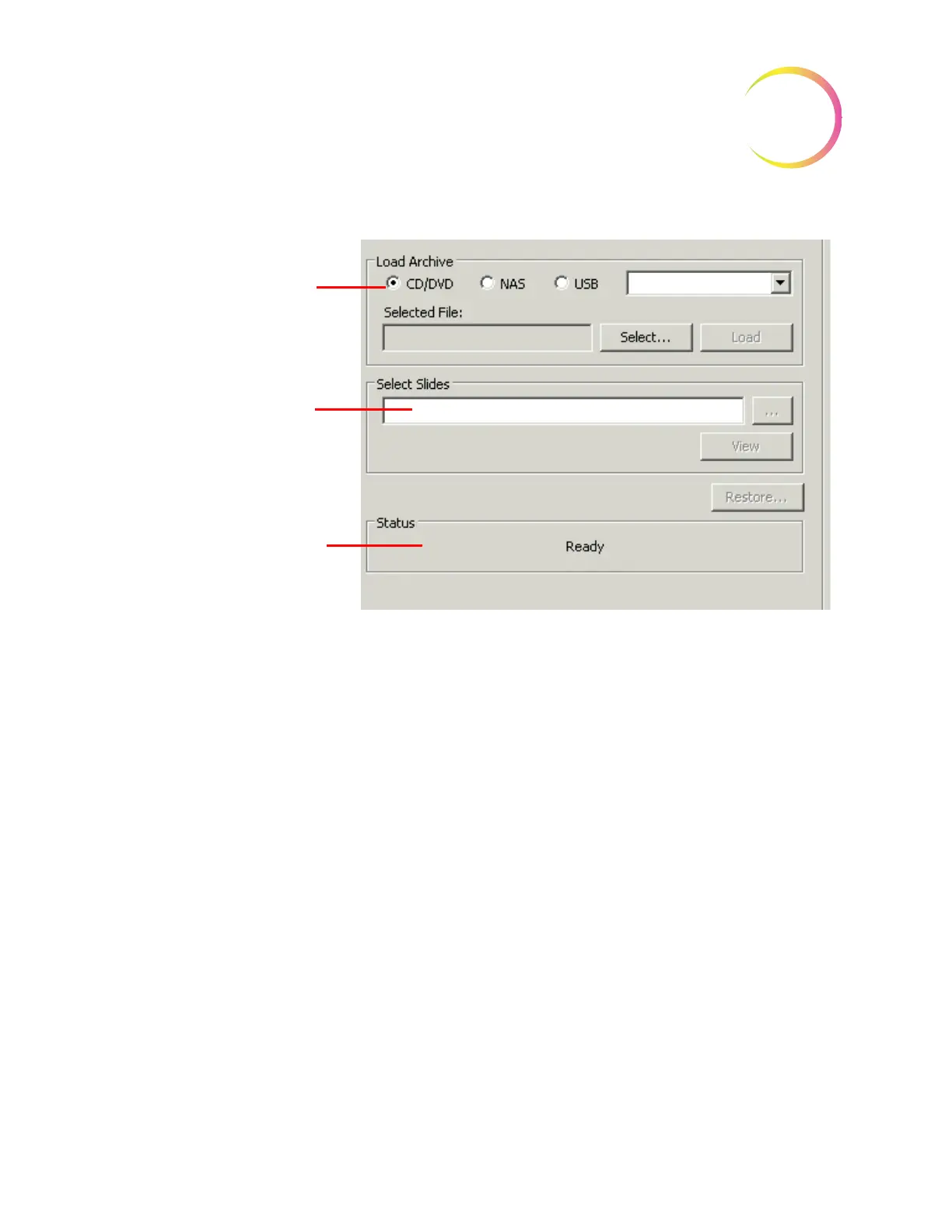
Figure 4-26 Restore Archive Selection Screen
From the Load Archive field, select which media the archived material is stored
on. A window with all .bak files found will appear. Select the archive file that is
to be loaded by clicking on it. Figure 4-27.
Select which storage
media the backup
located on.
Select Slide(s) to be
restored to the
system database
Progress and status
of the restore process












 To Next Page