OPERATION OF THE SOFTWARE MENU
4.18
Imager Duo Operator’s Manual
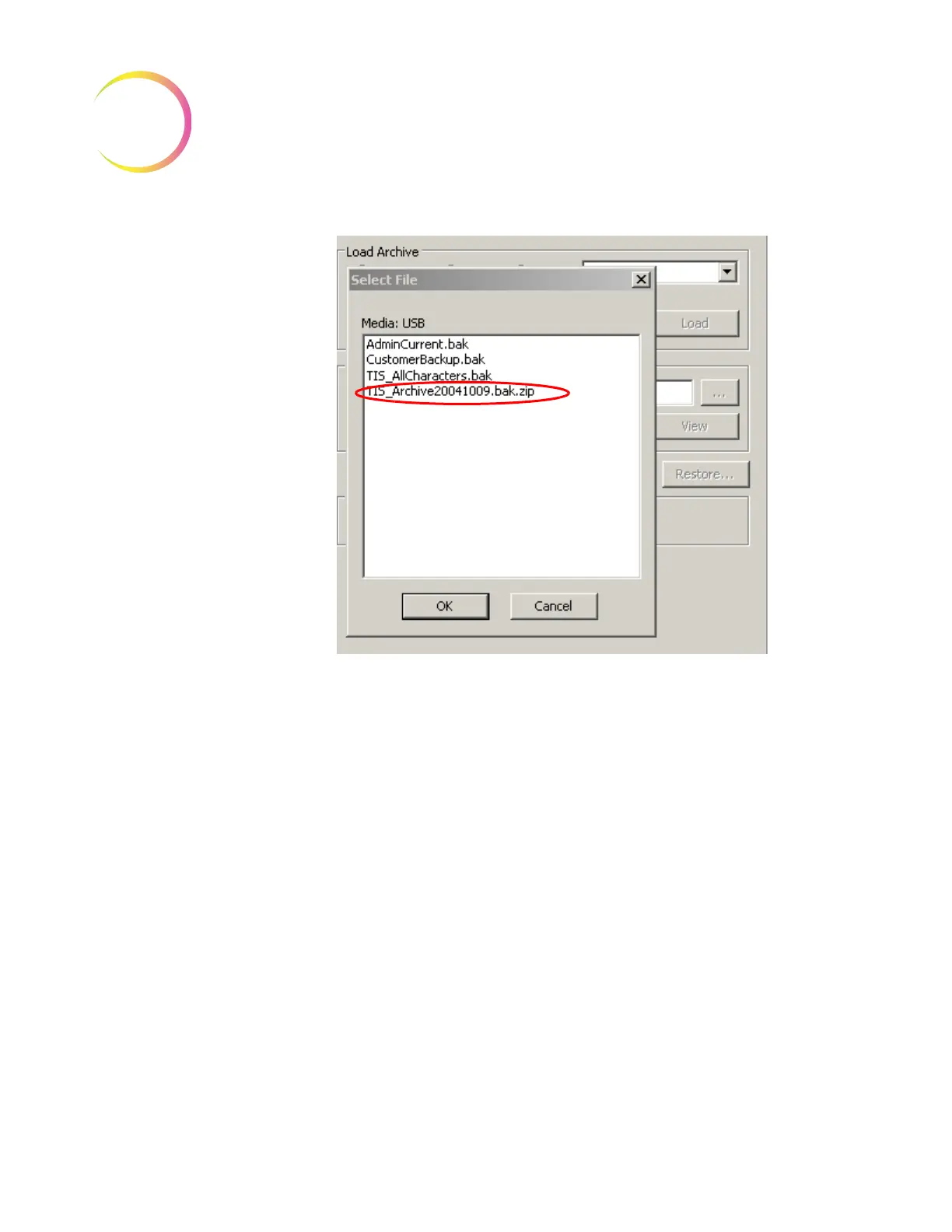
Figure 4-27 Select Archive file to be Restored
Click on the Load button to begin restoration of the file. When it has been
decompressed and loaded it is available for browsing.
Note:
If this is a large file, this step could take a long time.
A window listing the slide IDs appears. Type the ID or part of the ID into the
Search field of the browse window to search for it in the list. Only one slide ID
can be selected for restoration at a time. Click on the slide ID to select it and
click the
Restore
button to copy the ID into the Imaging System database.












 To Next Page