OPERATION OF THE SOFTWARE MENU
Imager Duo Operator’s Manual
4.19
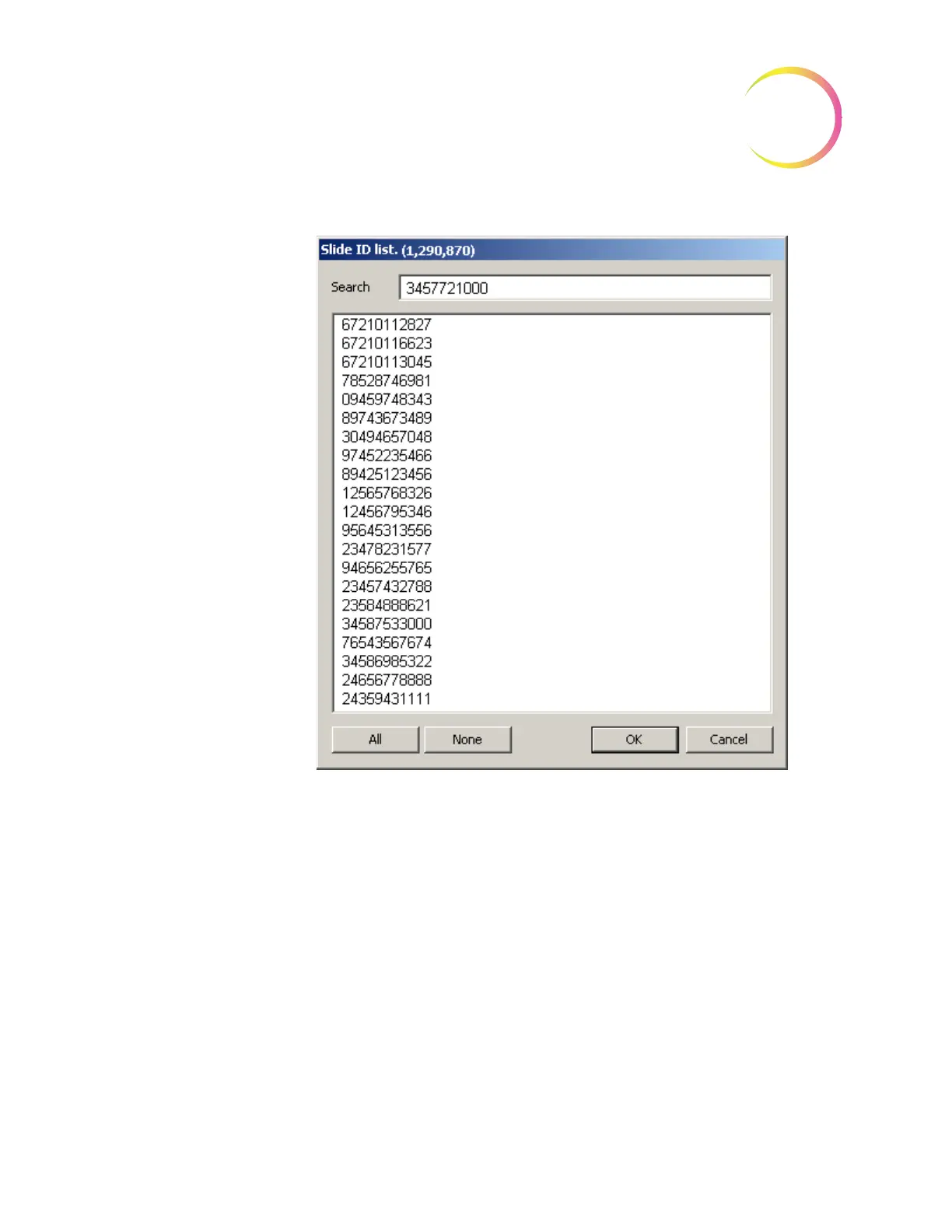
Figure 4-28 Slide ID List - Select Slide to be Restored
Export
The Export function enables the operator to filter the database and export the
selected data onto media located on the
Server
. The data may be saved to a
DVD/CD, USB drive or to the NAS drive (if your system is configured with
H
net
). The media containing exported data would accompany imaged slides to
a remote site for slide review.
Only imaged data is exported; no slide review data is exported. Up to 10,000
records may be exported at one time.
Note:
The Export window can be accessed from either a Server or an IPC com-
puter, but the writable media must be in the Server in order to perform
the command.












 To Next Page