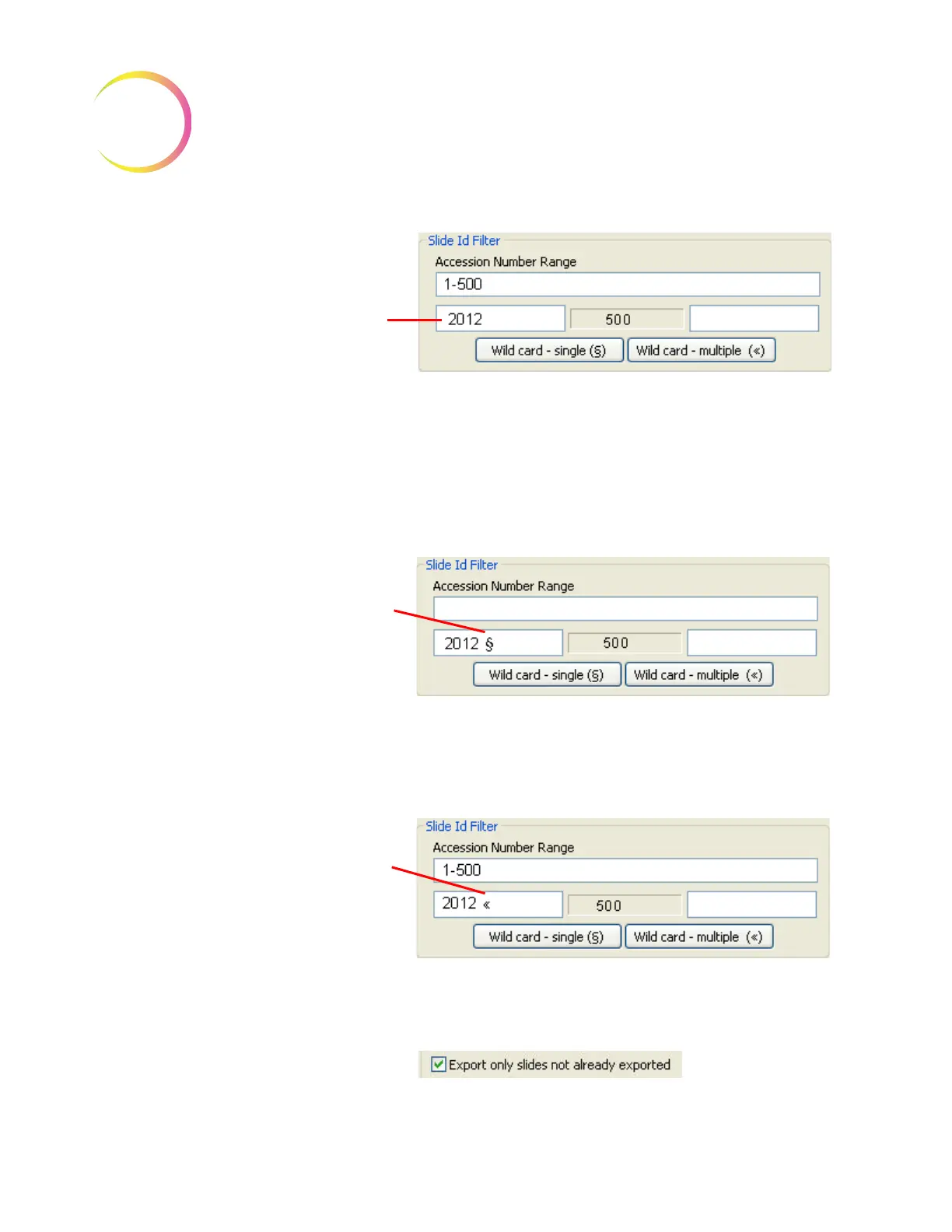
Filter for a date code
of 2012 that pre-
cedes the accession
number
If no other characters are between the date code of 2012 and the accession id,
nothing else is needed
If a single character always separates the date code from the accession number and
you want the system to ignore it, press the
wild card - single
button, to insert a
holder for that character during the search
If several characters always separate the date code from the accession number
and they are to be ignored during the search, press the
wild card - multiple
but-
ton to insert a holder for those characters
Single character
wild card
Multiple character
wild card












 To Next Page