OPERATION OF THE SOFTWARE MENU
Imager Duo Operator’s Manual
4.23
If the
Export only slides not already exported
checkbox is checked - only slides
imaged since the last export will be included. If the box is not checked,
all
records
for that selected range will be included, even if it was previously
exported. (No slide review data is exported - only image data.)
Figure 4-34 Confirm Export Before Writing
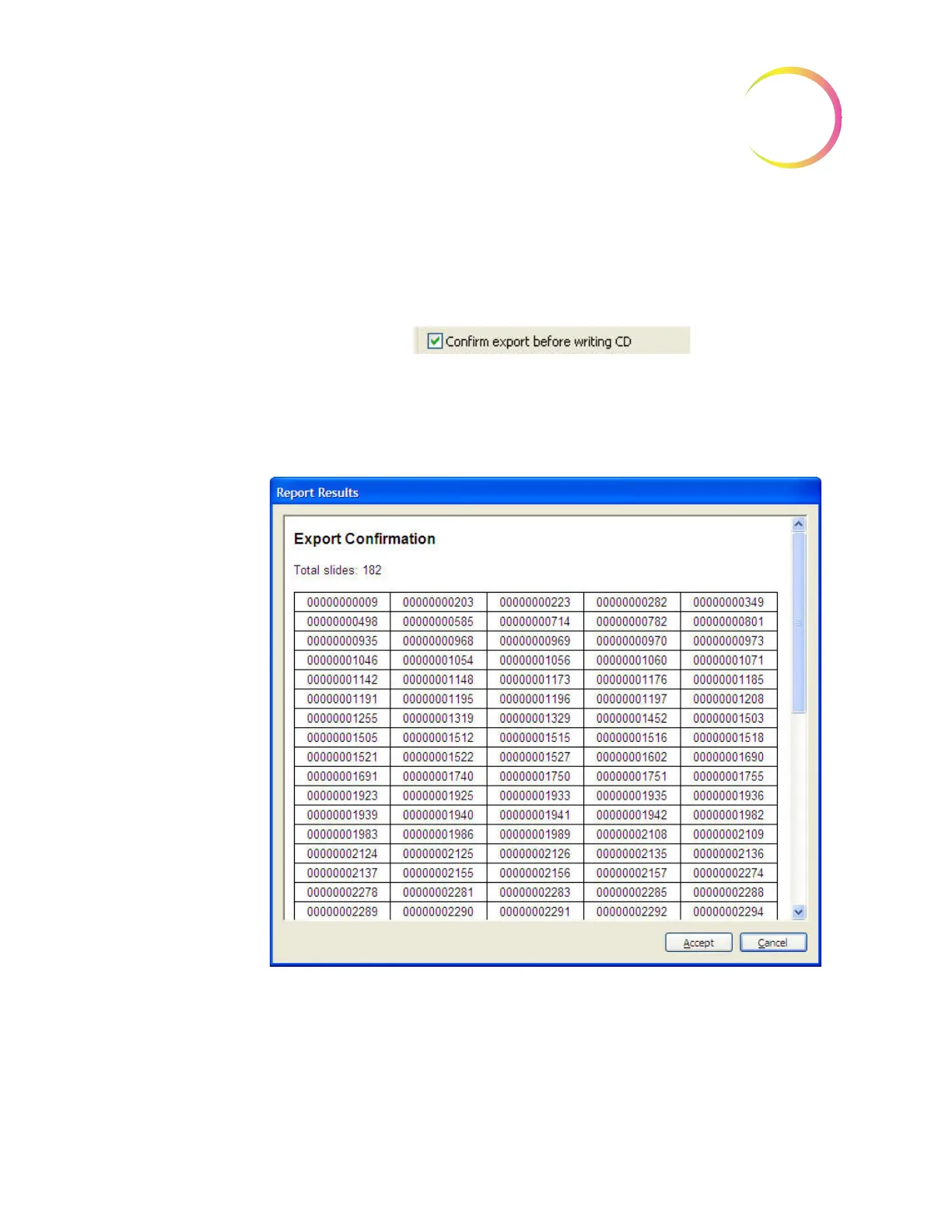
If the
Confirm export before writing
checkbox is checked, upon clicking on the
Export
button, a window will display a list of the selected Slide ID numbers for
export. See Figure 4-35.
Figure 4-35 Confirm Export Window
If the export list is acceptable, click on the
Accept
button and the export func-
tion will begin.
If the export list is not acceptable or changes are desired, click on the
Cancel
button and the export function will cancel.












 To Next Page