OPERATION OF THE SOFTWARE MENU
4.24
Imager Duo Operator’s Manual
If the
Confirm export before writing
checkbox is not checked, clicking on the
Export
button will immediately begin the export function.
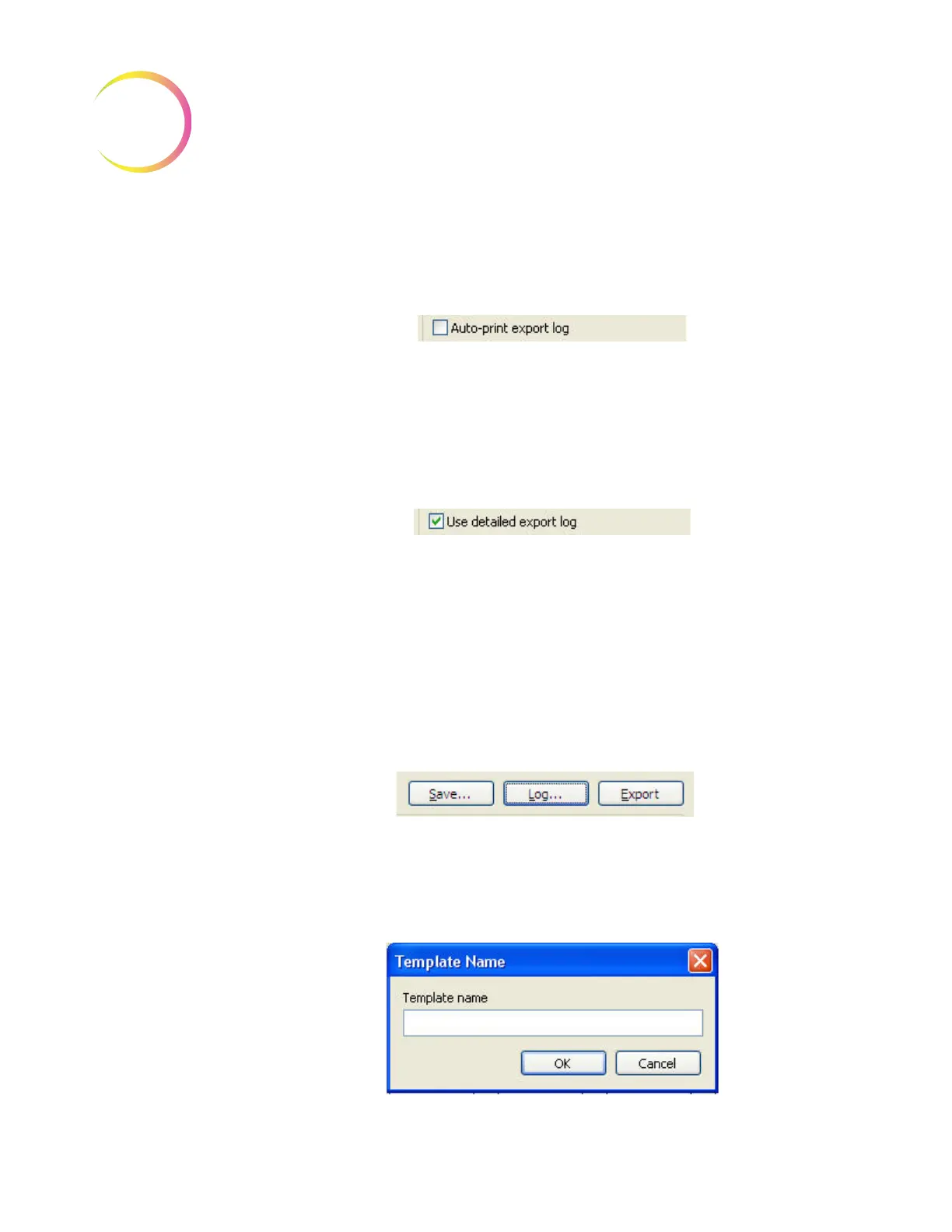
Figure 4-36 Auto-print Export Log
If the
Auto-print Export Log
checkbox is checked, the report of the summary
for the current export will automatically be printed at the time of the export.
Note:
The printer must be installed and turned on for the report to print out.
Figure 4-37 Use Detailed Export Log
The
Use Detailed Export Log
checkbox ensures that a list of all slide IDs
exported will be printed in the report.
Note:
It is useful to print this report to accompany slides that are transported
to another location.
Save an Export Filter Template
When a filter parameter has been entered into the Export screen, the
Save...
but-
ton is available.
Figure 4-38 Save, Log and Export Buttons
To save a particular filter profile that may be used often, click the
Save...
button
and a template name box appears. Figure 4-39.
Figure 4-39 Template Name












 To Next Page