OPERATION OF THE SOFTWARE MENU
Imager Duo Operator’s Manual
4.25
Type in a name for the filter template and click
OK
.
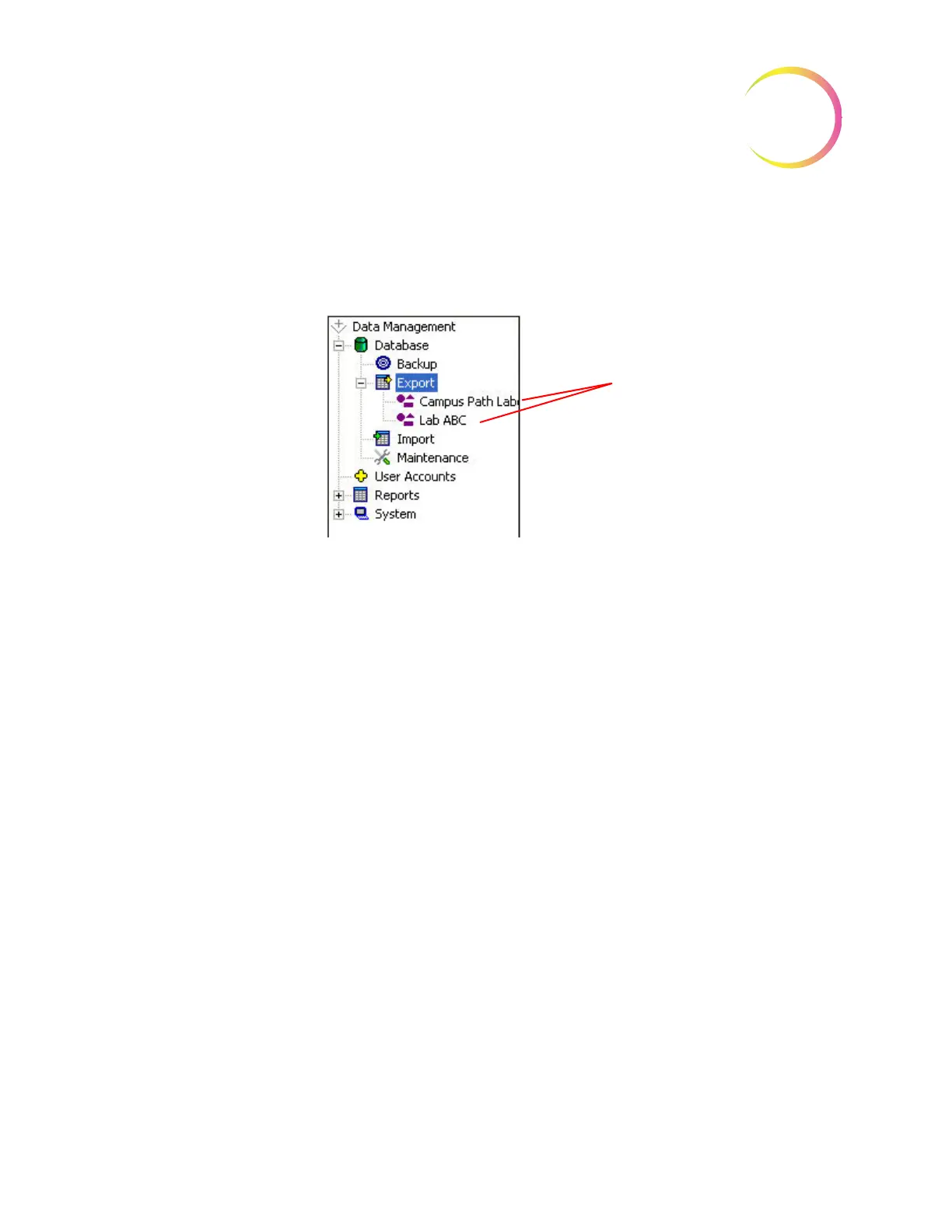
A list of templates will be visible under the Export icon on the Data Manage-
ment menu window. Figure 4-40.
Figure 4-40 Export Templates
To use a template that has already been created, click on the name of the tem-
plate in the Data Management menu. The Export Parameters window will dis-
play, with the filter profile parameters already present.
To change a template name, or to delete it, right click on the name of the tem-
plate and select Rename or Delete.
View the Export Log...
The
Log...
button will display the export log of the last export. Refer to Figure 4-
41.












 To Next Page