OPERATION OF THE SOFTWARE MENU
4.26
Imager Duo Operator’s Manual
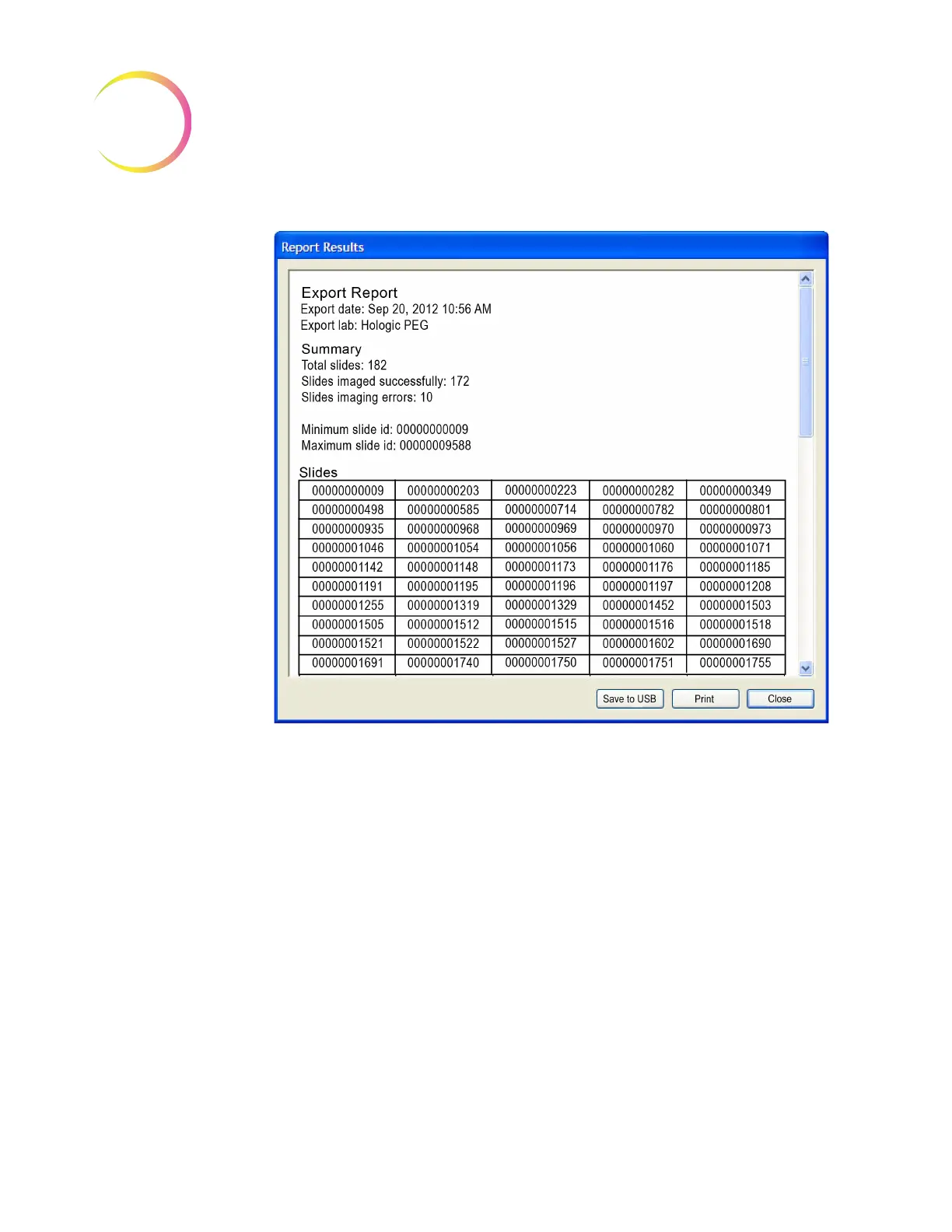
Figure 4-41 Export Log
To print the export log, click on the
Print
button.
To close the window, click on the
Close
button.
Export Command
The Export button begins the export function.
The operator selects the type of media to write to: CD/DVD, USB drive or a
NAS drive (if your system is configured with H
net
). If media is not already
inserted in the Server computer, you will be prompted for it. As listed on the
Export window, the system checks the media, prepares the data, writes the data
to the media, verifies it and shows a completed progress bar when finished.
There will be a check mark next to each action as it successfully completes.
Other Data Export Considerations
Labeling of writable media:
to easily identify the contents of a CD/DVD or
USB key, follow your facility’s naming and labeling conventions for the storage
of data.












 To Next Page