OPERATION OF THE SOFTWARE MENU
Imager Duo Operator’s Manual
4.29
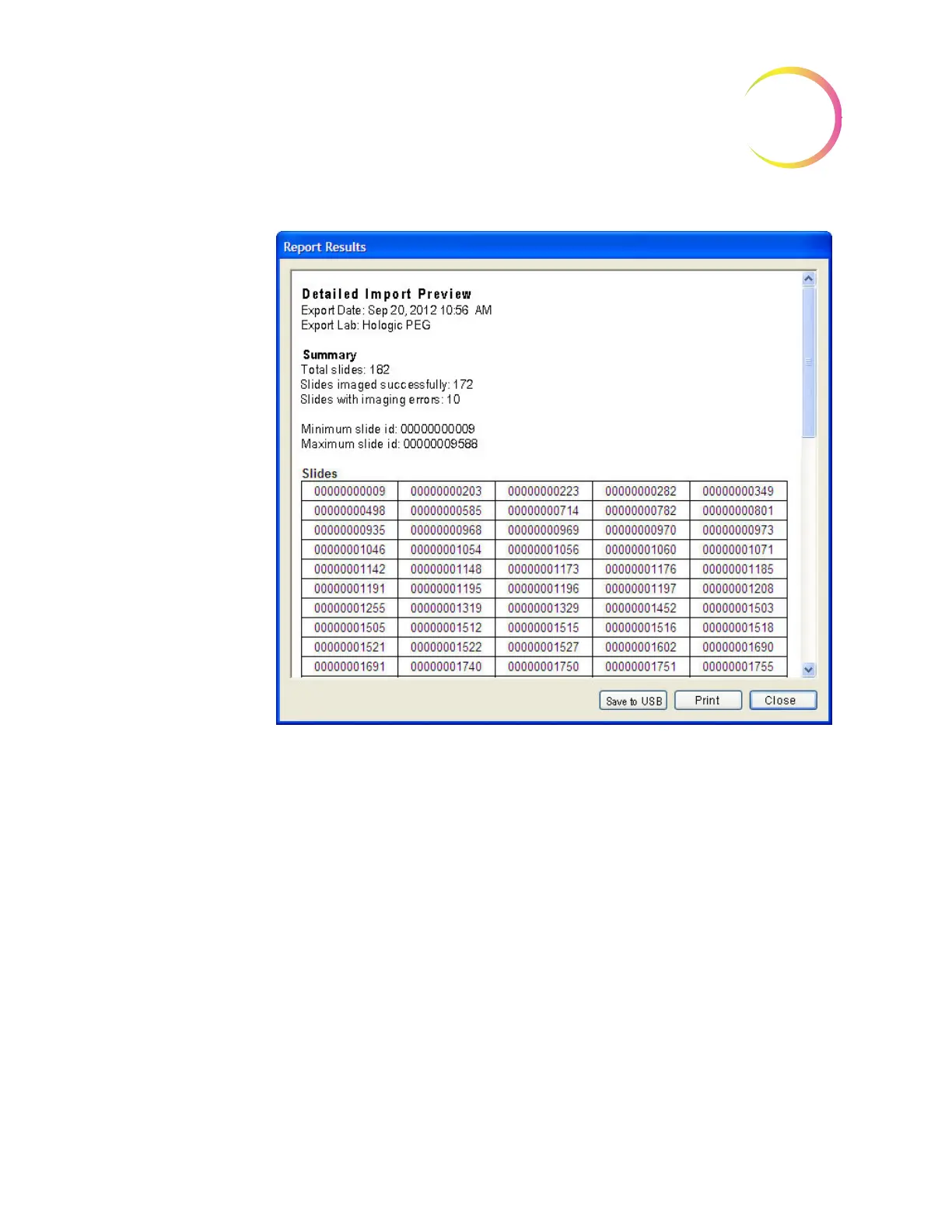
Figure 4-44 Detailed Import Preview
To begin Import of the data, click on the
Import
button.
As listed on the Import window, the system checks the media, prepares the
data, updates the database and shows a completed progress bar when finished.
There will be a check mark next to each action as it successfully completes.
When the import of data concludes, the summary on the Import window
changes to an Import summary as shown in Figure 4-45.












 To Next Page