OPERATION OF THE SOFTWARE MENU
4.28
Imager Duo Operator’s Manual
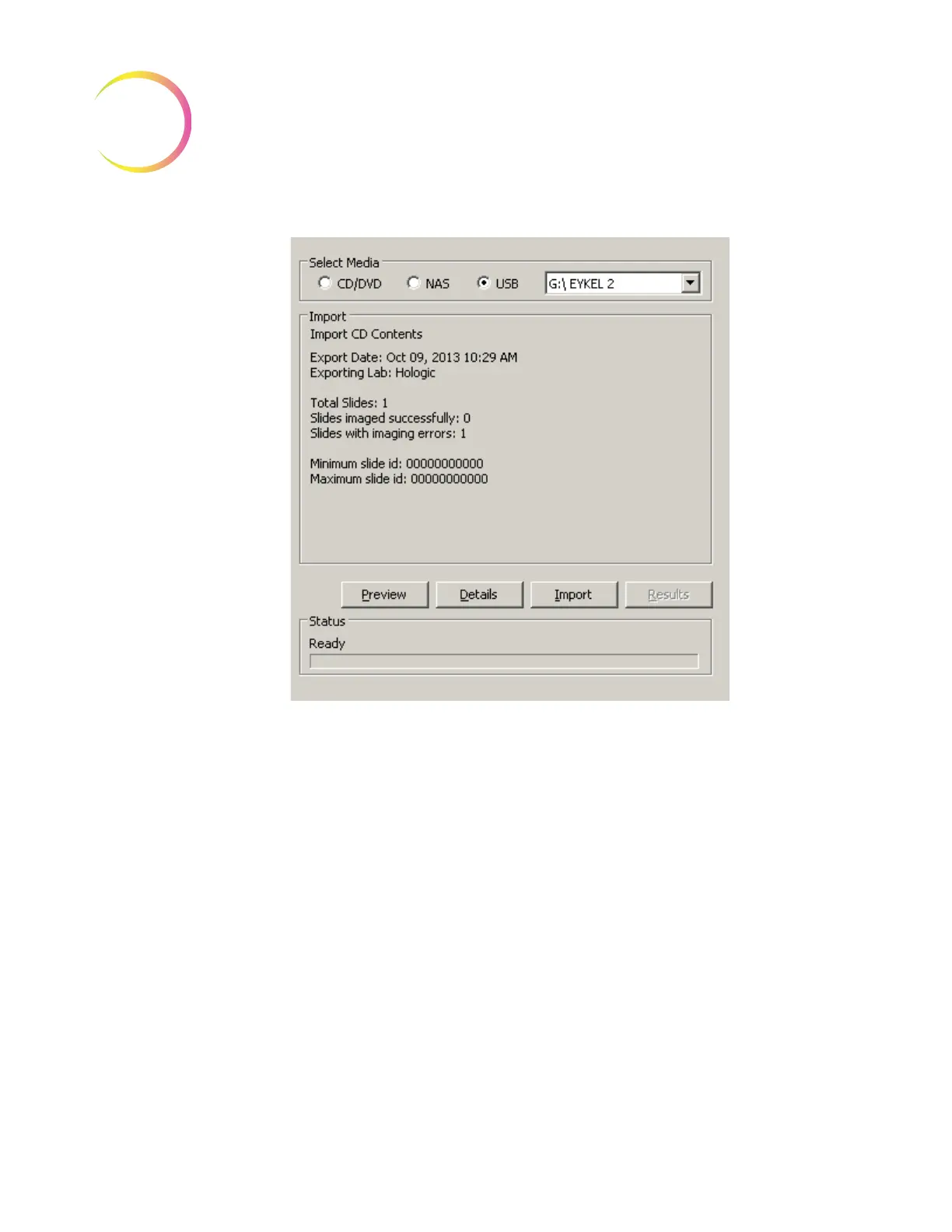
Figure 4-43 Import Dialogue Window
To see the import data details, click on the
Details
button. A window will open
to show the import data information and a table of slide IDs that will be
imported. Refer to Figure 4-44.
Click on
Print
to print a hard copy of this report. Click
Close
to close the win-
dow and return to the Import screen.












 To Next Page