OPERATION OF THE SOFTWARE MENU
Imager Duo Operator’s Manual
4.33
Maintenance
The Maintenance window is used to delete old Review Scope Error and Usage
Logs. This would be used if Review Scopes have been replaced and are no lon-
ger installed in your network.
Click on the
Maintenance
option of the Data Management menu and the Main-
tenance window appears (Figure 4-48).
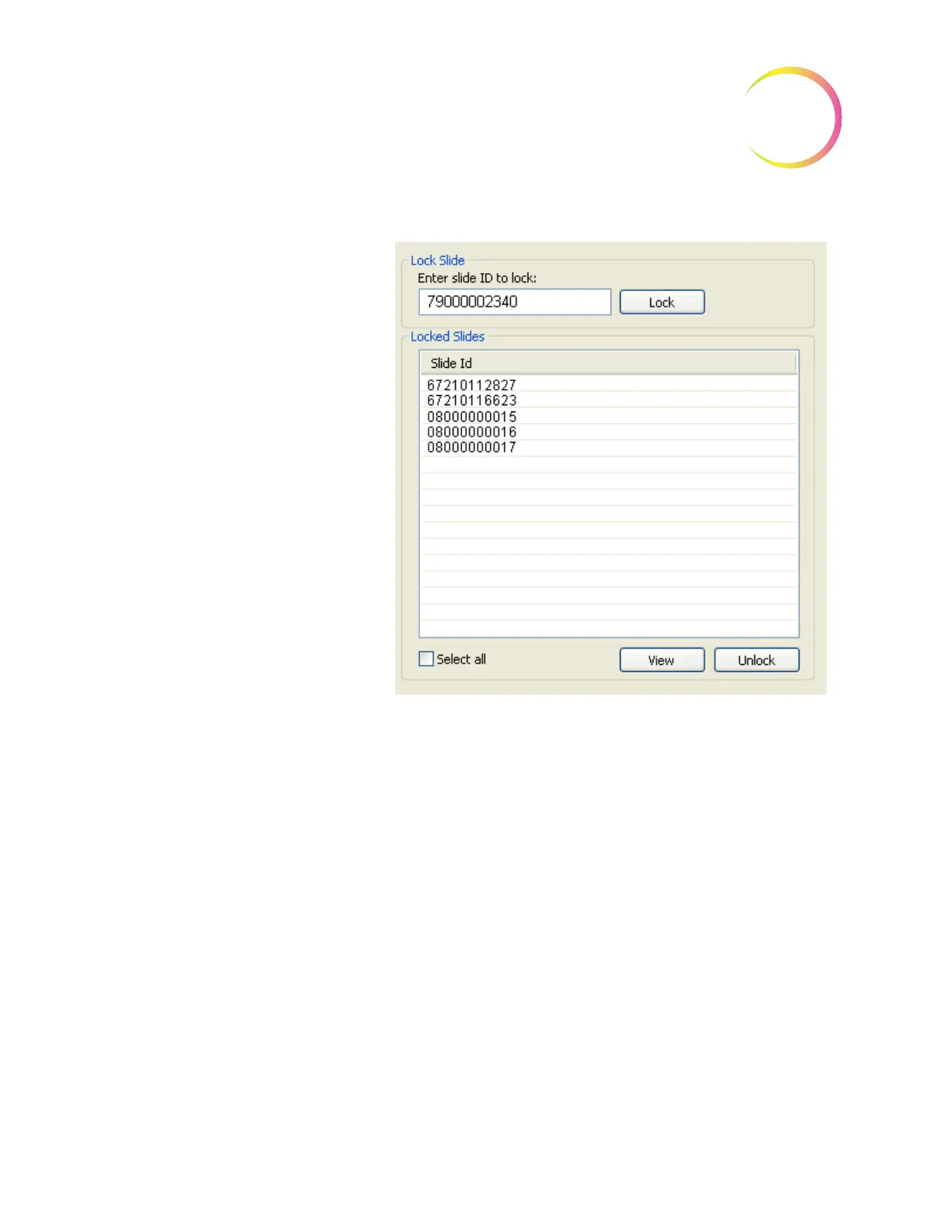
Enter Slide ID and click
Lock
button to
prevent slides from being purged.
List of slide IDs that have been locked.
To view the imaging and review status of
one or multiple slides, highlight them in
the list and click the
View
button.
To unlock one or multiple slides, high-
light them in the list and click the
Unlock
button.
Select all
checkbox will highlight all
slides listed.












 To Next Page