OPERATION OF THE SOFTWARE MENU
4.34
Imager Duo Operator’s Manual
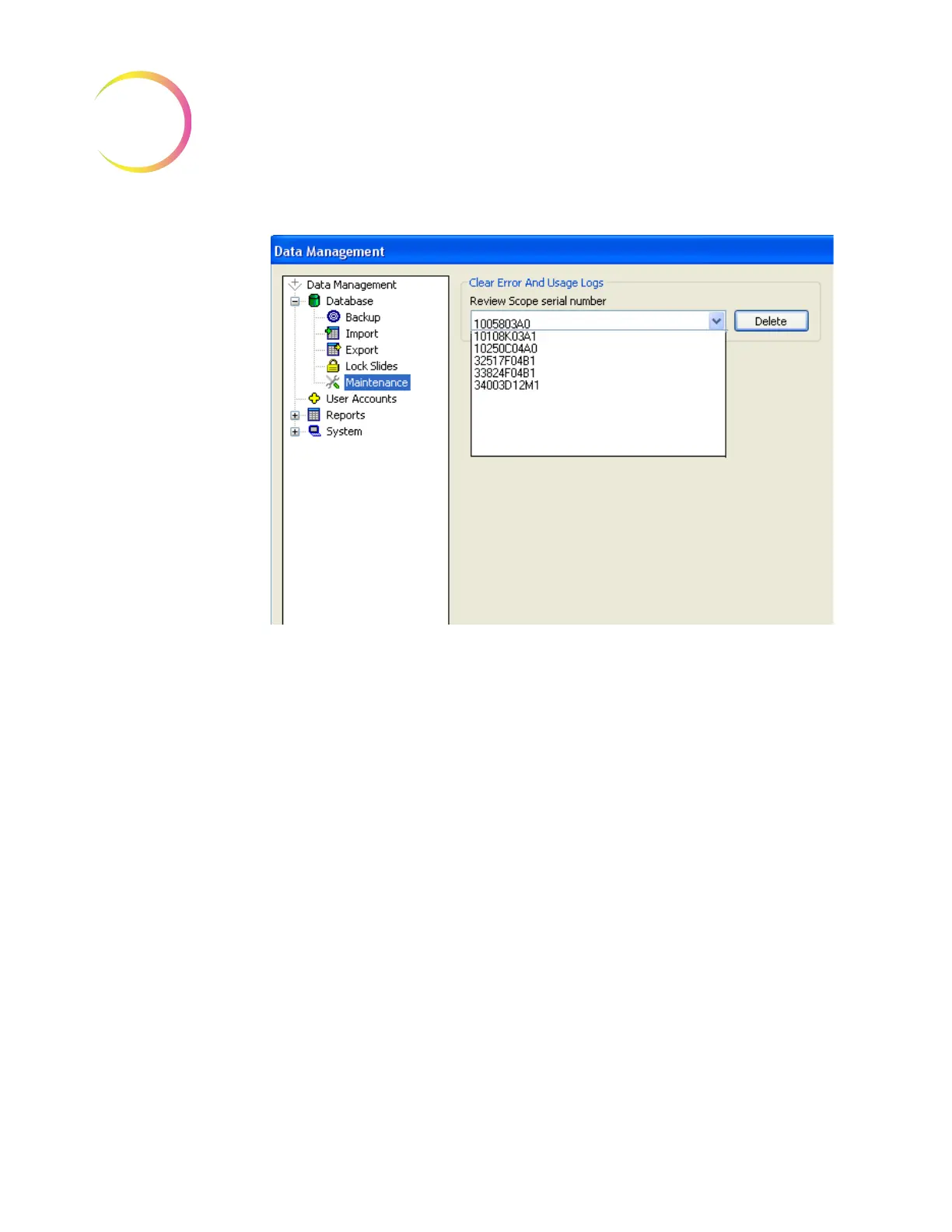
Figure 4-48 RS Logs Maintenance Window
Select the serial number of the Review Scope that is to be cleared. Click on the
Delete
button to clear that number.
Click on the Close button to close the window and return to the main interface.
User Accounts
The User Accounts window is used to assign and retire User IDs (needed for
users to login to screening sessions at a Review Scope).
Click on the
User Accounts
selection of the Data Management menu and the
User Accounts window will open (Figure 4-12).
Note:
If Security is enabled, this module will not appear in the Data Manage-
ment menu. A password is required to view and print from these dialog
windows. Refer to “System - Security” on page 4.61.












 To Next Page