OPERATION OF THE SOFTWARE MENU
Imager Duo Operator’s Manual
4.61
System - Security
Enabling Security will
restrict
access to:
• Workload History
• User Account Management
• Fields on the Slide Data Record report (Lab name, User ID, RS serial
number)
A password will be required to view or print this data. The Security feature is
system wide - the Server and all workstations will have the same restrictions.
Enabling Security will
reveal
access to Slide Data Record Archiving.
The security feature provides the user the following options:
•Enable a password
• Validate (administrative access to restricted areas without entirely dis-
abling the password)
• Change a password
•Disable a password
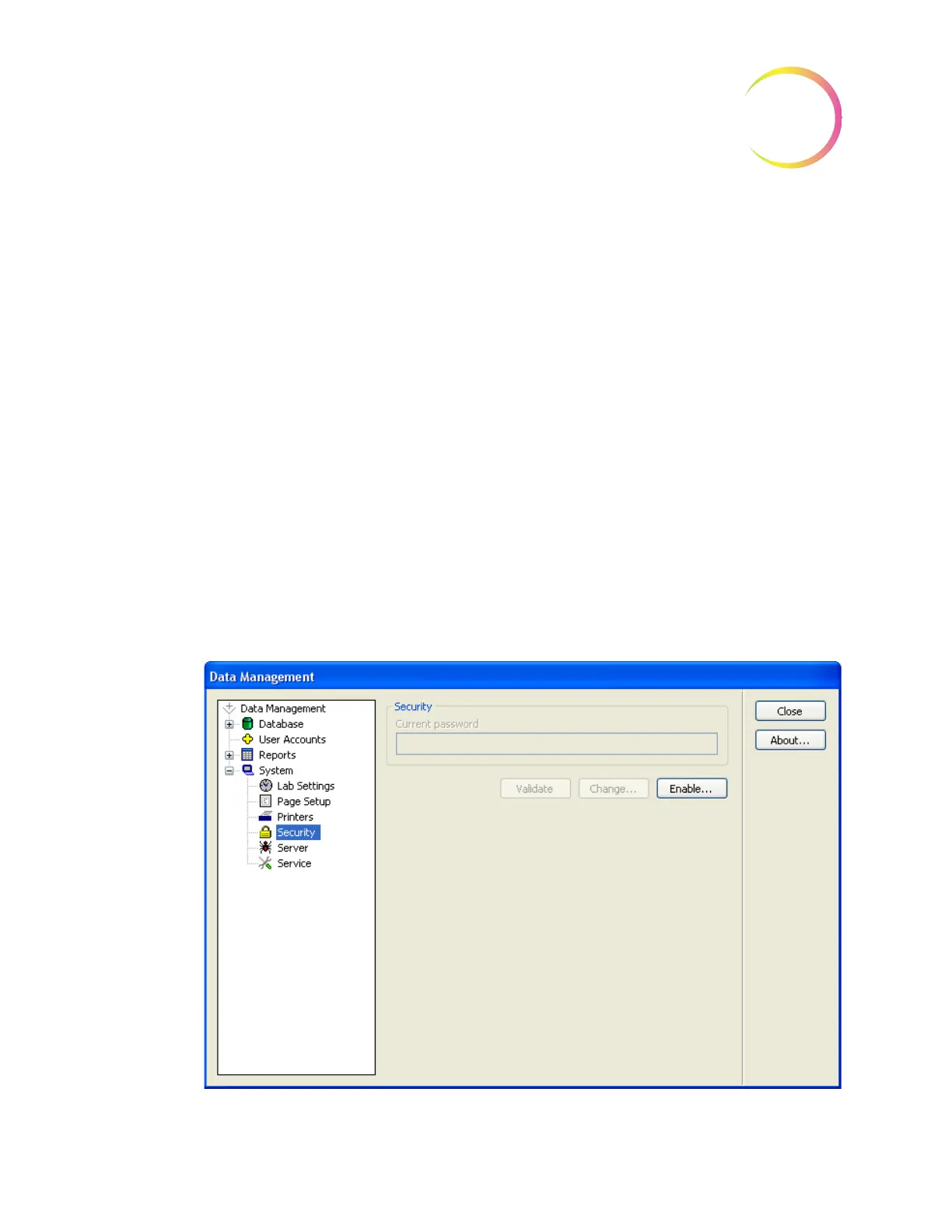
Click on
Security
to open the Security window. (Refer to Figure 4-78.)
Figure 4-78 Security Window












 To Next Page