OPERATION OF THE SOFTWARE MENU
Imager Duo Operator’s Manual
4.35
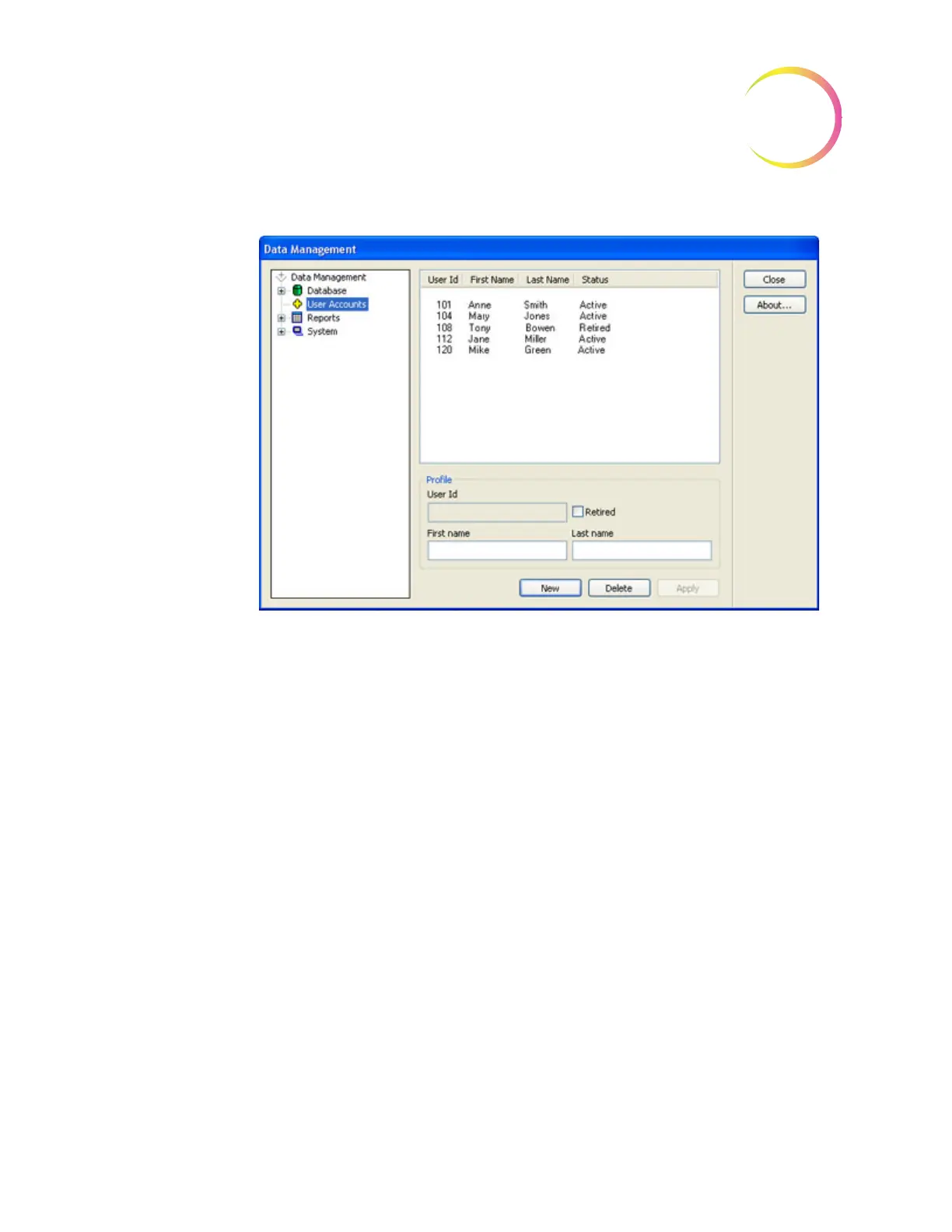
Figure 4-49 User Accounts Window
A list of all user IDs is displayed in the information area. It will show the ID
number, the operator first and last name and the ID status - active or retired.
To add a new user ID, in the User ID field, click on the
New
button at the bot-
tom of the display. The
User Id
and
Name
fields will clear. Type in a 3-digit
number (must be unique - an ID number cannot be reused). Type in the opera-
tor first and last names in the appropriate fields and click on the
Apply
button.
To retire a user ID (for instance, if an employee no longer works in the lab),
select the ID by clicking on the name in list. It will become highlighted. Click on
the
Retired
checkbox and then
Apply
. This changes the status from Active to
Retired, but does not delete the ID from the database.
A user may be deleted if they have not done any reviews. Select the User ID or
Name and click on the
Delete
button.
Note
: To maintain the integrity of the previous slide data records, User IDs are
not
to be reissued. Only unique IDs may be assigned.
To return to the main user interface, click on the
Close
button.












 To Next Page