OPERATION OF THE SOFTWARE MENU
4.36
Imager Duo Operator’s Manual
Reports
The Reports menu contains the functions for generating reports from the data-
base. It includes Logs and History, RS Users, Slide Data Records, Workload,
Rate Report and the Run Report.
Report - Logs and History
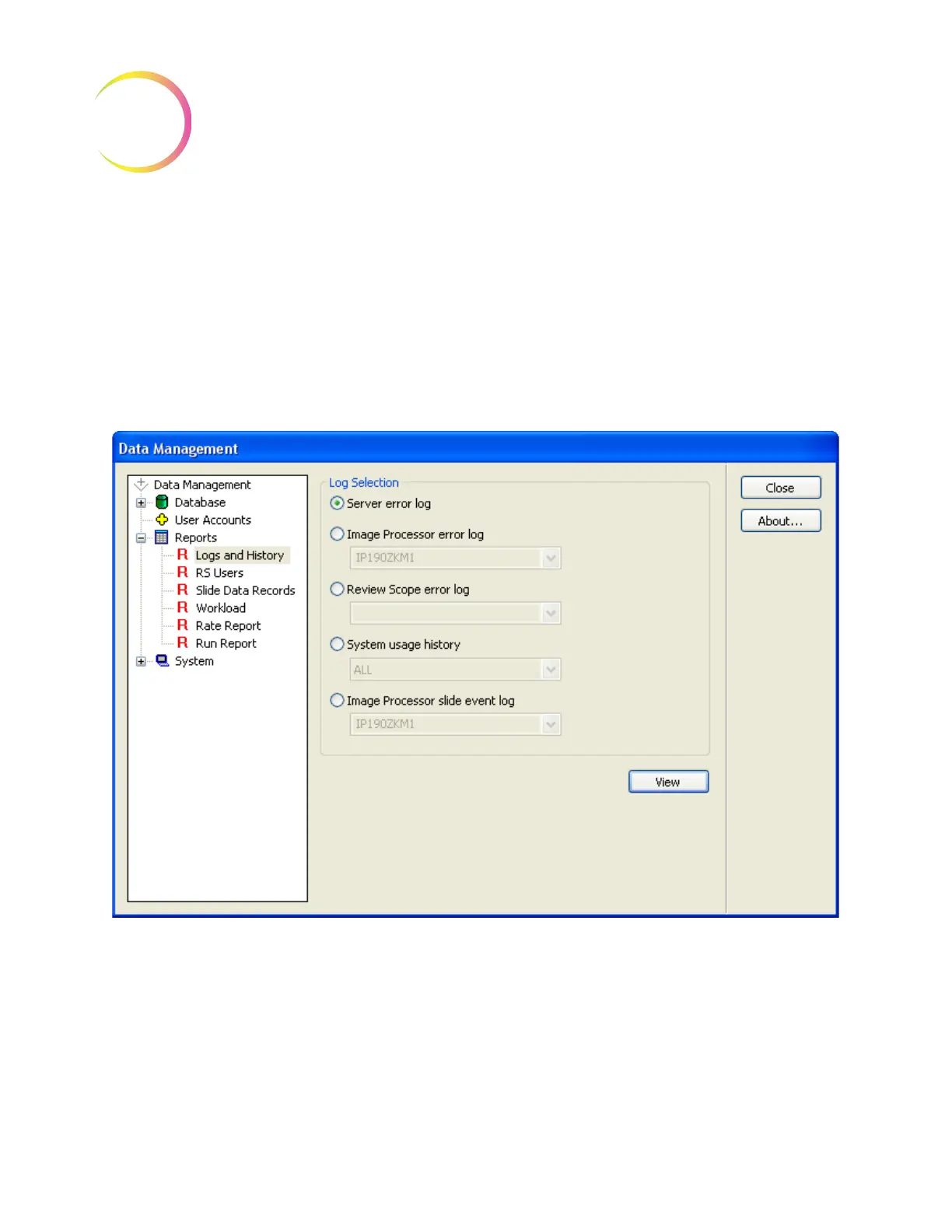
The Logs and History reports gives the operator access to information pertain-
ing to system performance. The reports may be viewed on screen, or printed
out. Click on the
Logs and History
selection to open the window (Figure 4-50).
Figure 4-50 Logs and History Window












 To Next Page